




Kick Overlays and Alerts
Ready to stream on Kick? Get overlays and alerts made to fit the platform — built for OBS Studio, Streamlabs, and StreamElements, and ready to install in minutes.
Every download comes tested for Kick — no guessing, no fiddling with sources, just import and go live.
Premium Kick Streaming Overlays
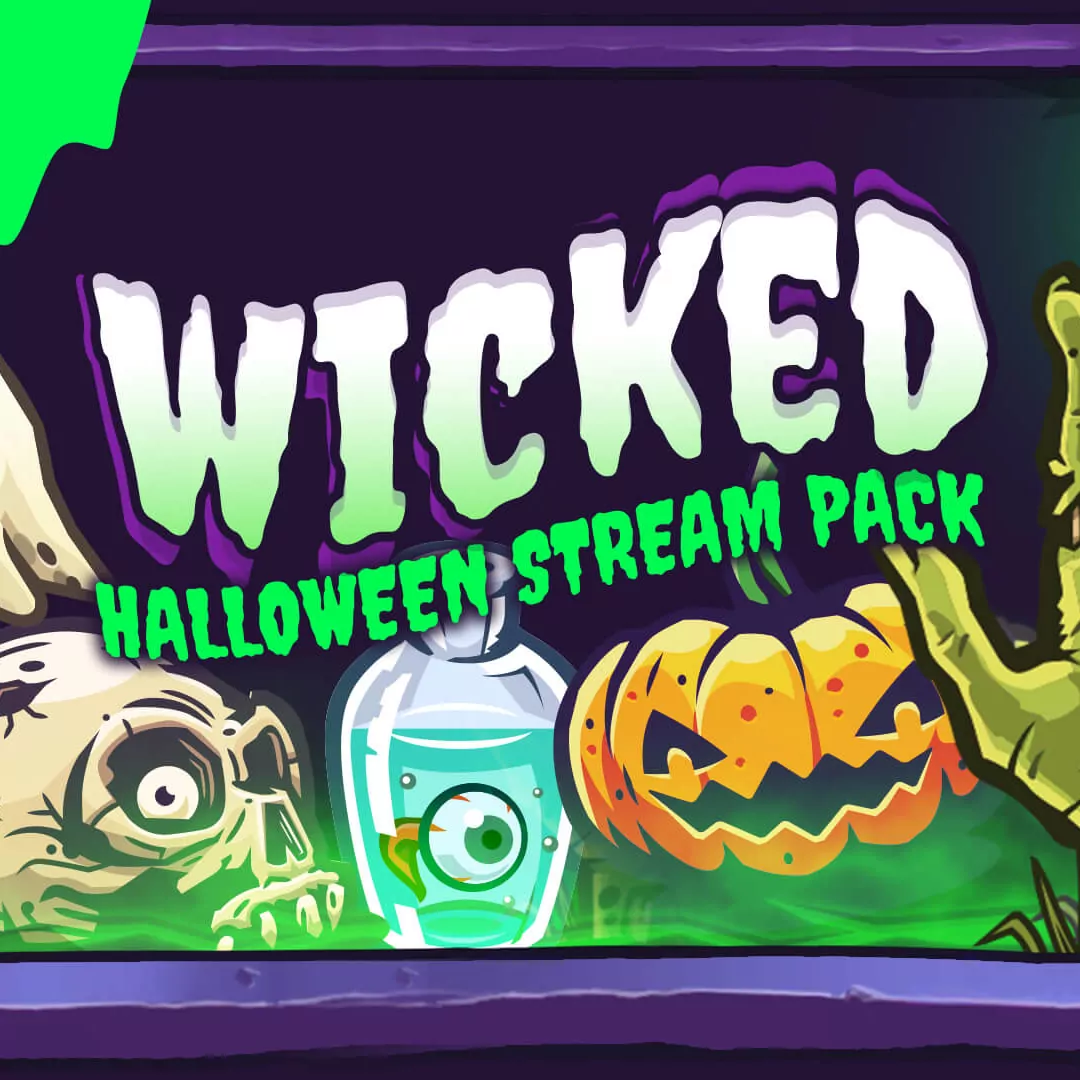
Each pack includes quick-install files for Kick overlays, alerts and widgets. Our packages come with multiple theme options and widget customization.
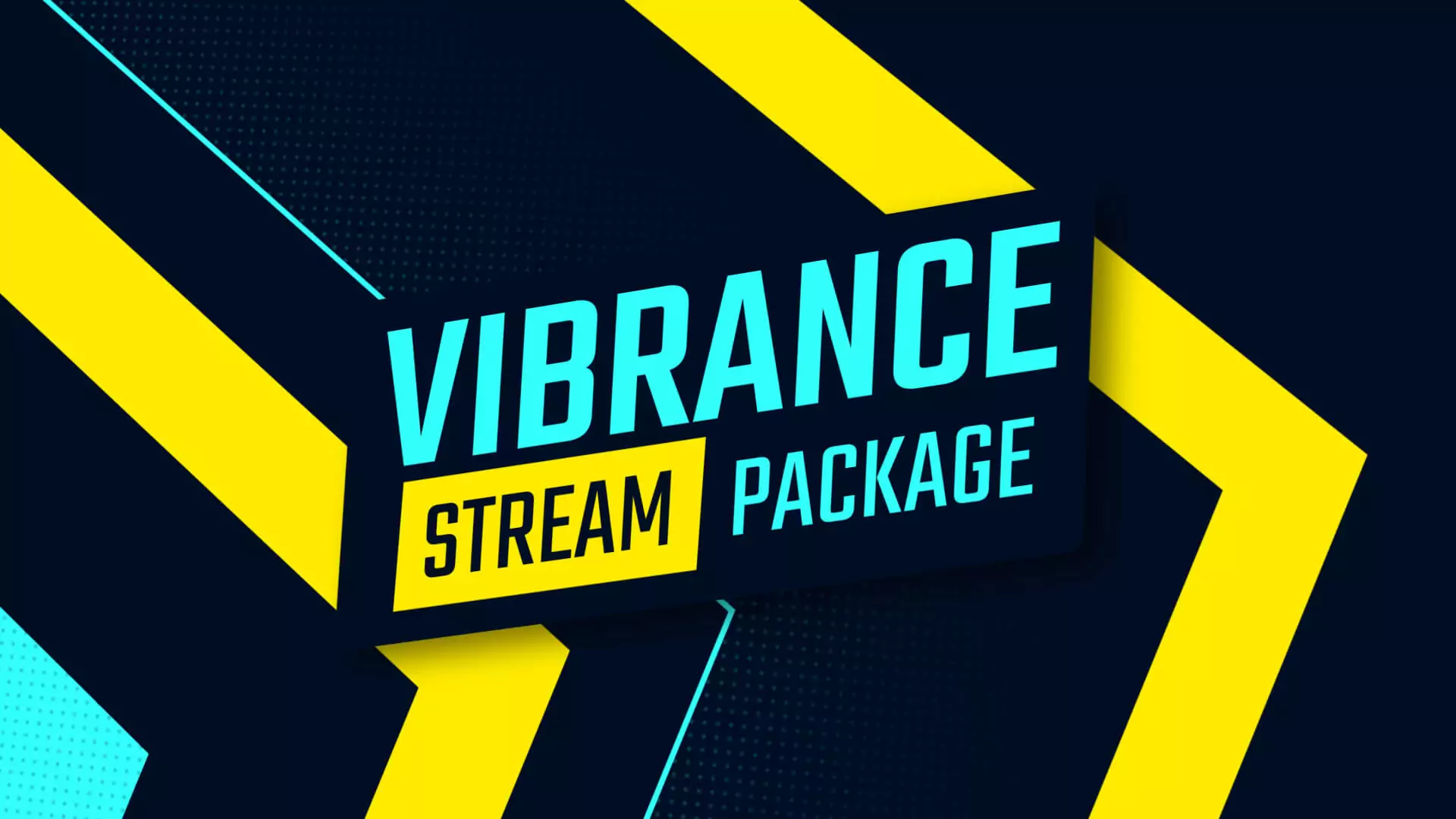
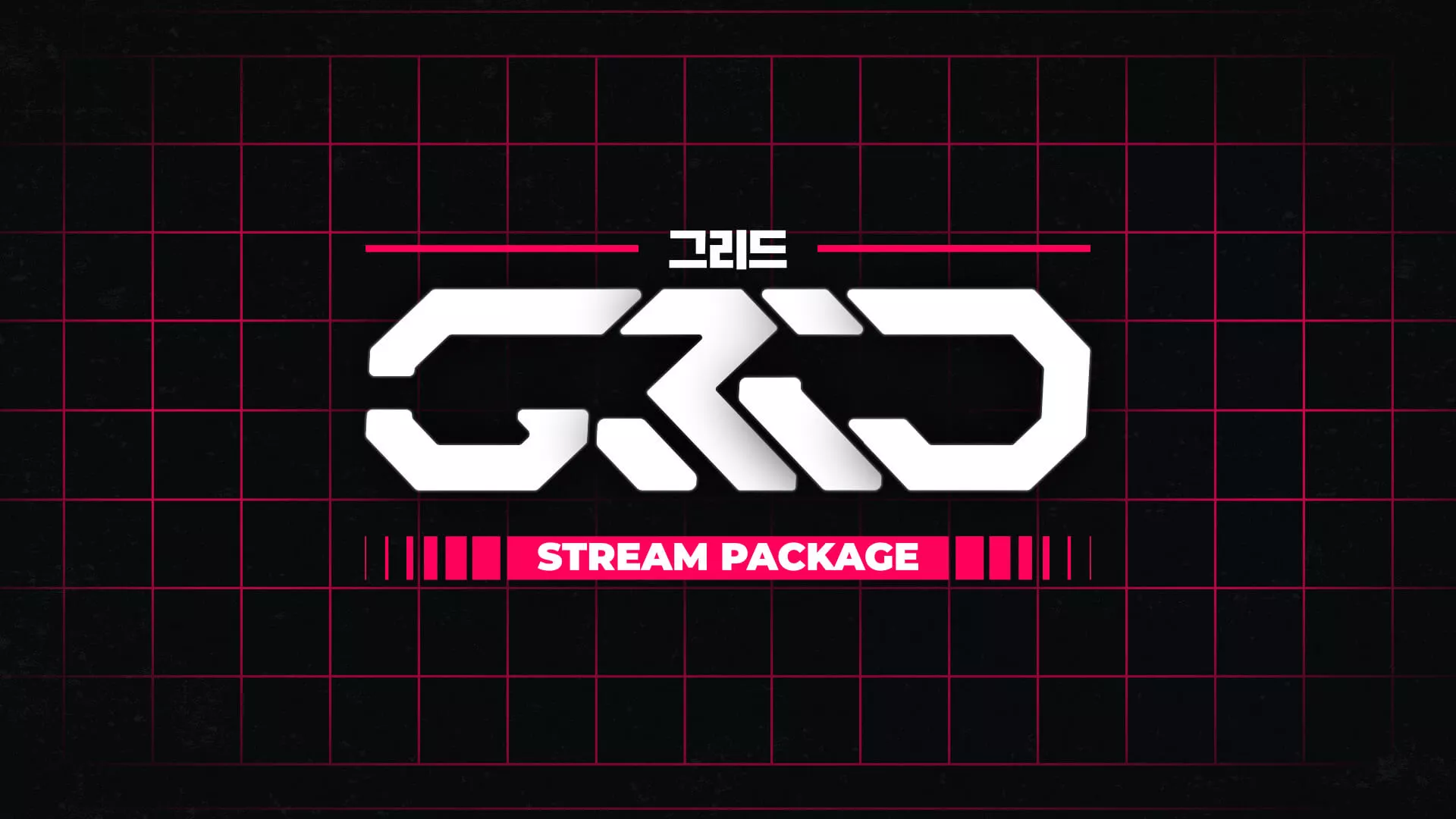
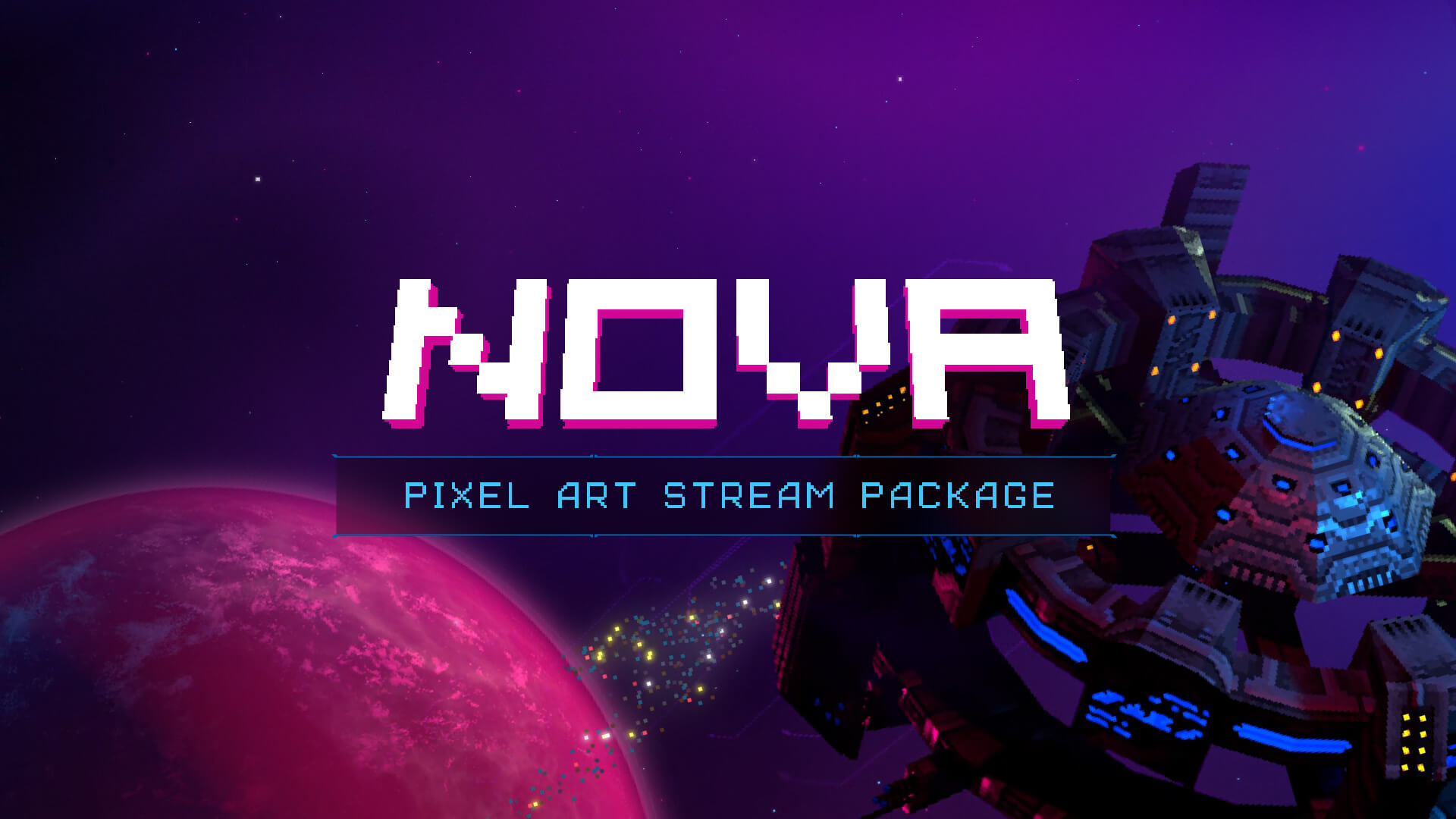
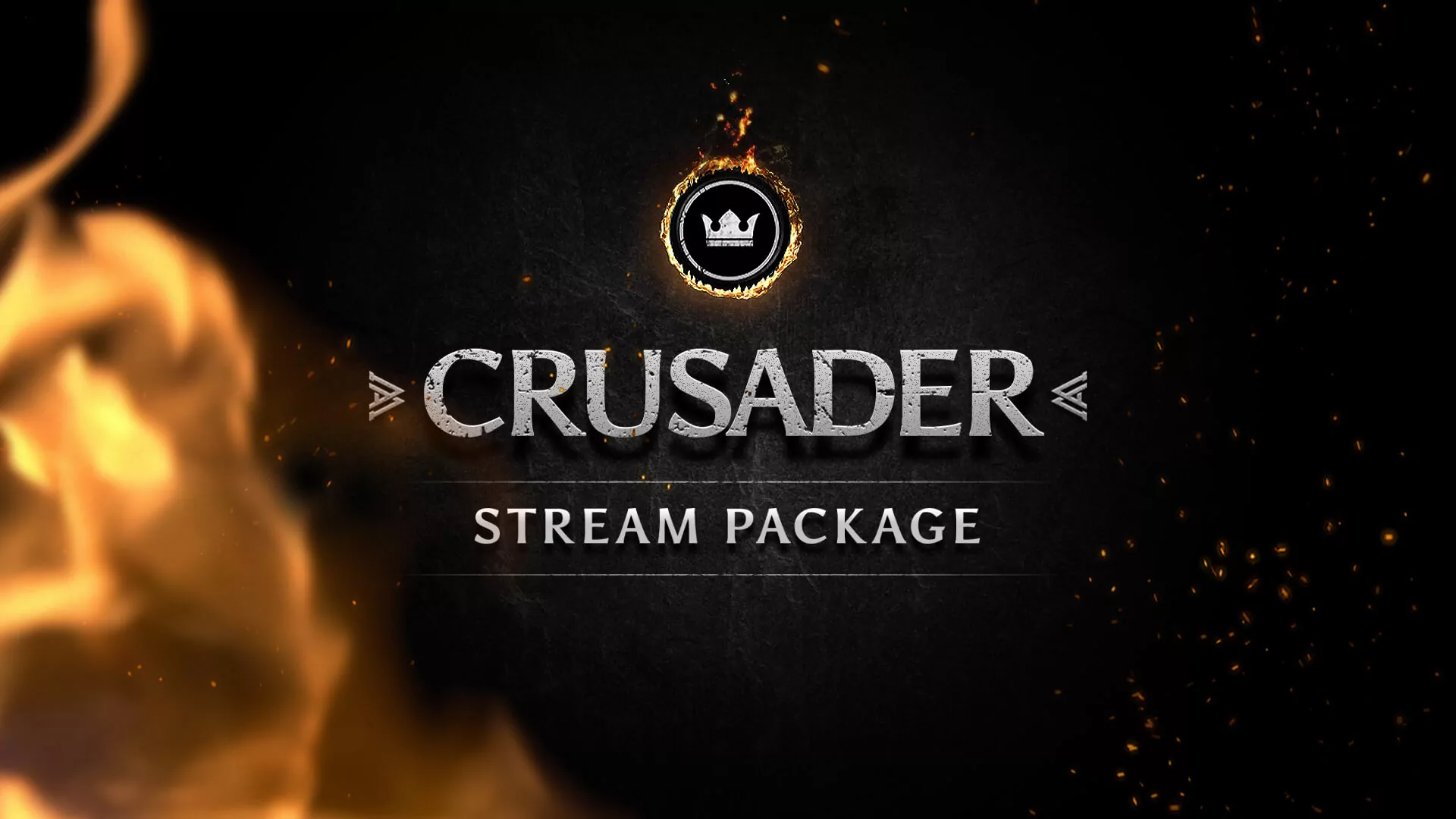
Animated Kick Alerts
Each pack includes quick-install files for Kick overlays, alerts and widgets. Our packages come with multiple theme options and widget customization.

Check out our promotional trailers on our YouTube channel to see more designs and stream overlays.
Premium Overlays have MORE
At Nerd or Die, we offer top-notch Kick overlay templates and free downloads. With a decade of experience in designing stream overlays, we deliver what you need swiftly and efficiently.
Our Premium overlays feature easy-to-install files and include customer support if necessary. Here’s what you get with our Kick overlays:
- Simple Installation for OBS Studio, Streamlabs Desktop, and StreamElements
- Flexible customization options
- Source files access (After Effects .AEP files)
- Priority support through Email and Discord
- Animated assets
- Premium file quality
Free Kick Overlays
Looking for something free to start with? We’ve got overlays that don’t cut corners — simple installs, clean motion, and all built by the same design team behind our premium packs. You’ll get starting, BRB, and ending scenes plus a few matching webcam frames — all optimized for Kick streamers.
Make an awesome overlay FAST
If you’re new to streaming or considering a rebrand for your channel after moving to Kick but don’t know where to start, a template might be the perfect solution. Simplify the design and setup process by trying one of our easy-to-install Kick streaming overlays. With years of experience, we’ve developed new methods to ensure your focus on Kick remains on what truly matters – your content.
Watch our video to get a glimpse of what our site has to offer.
A stream overlay template should include everything you need to start streaming.
Packed with features, our overlay templates come with webcams, alerts, social bars, and much more. For users of OBS Studio, StreamElements, and Streamlabs Desktop, we provide quick-setup files to get you started in minutes.
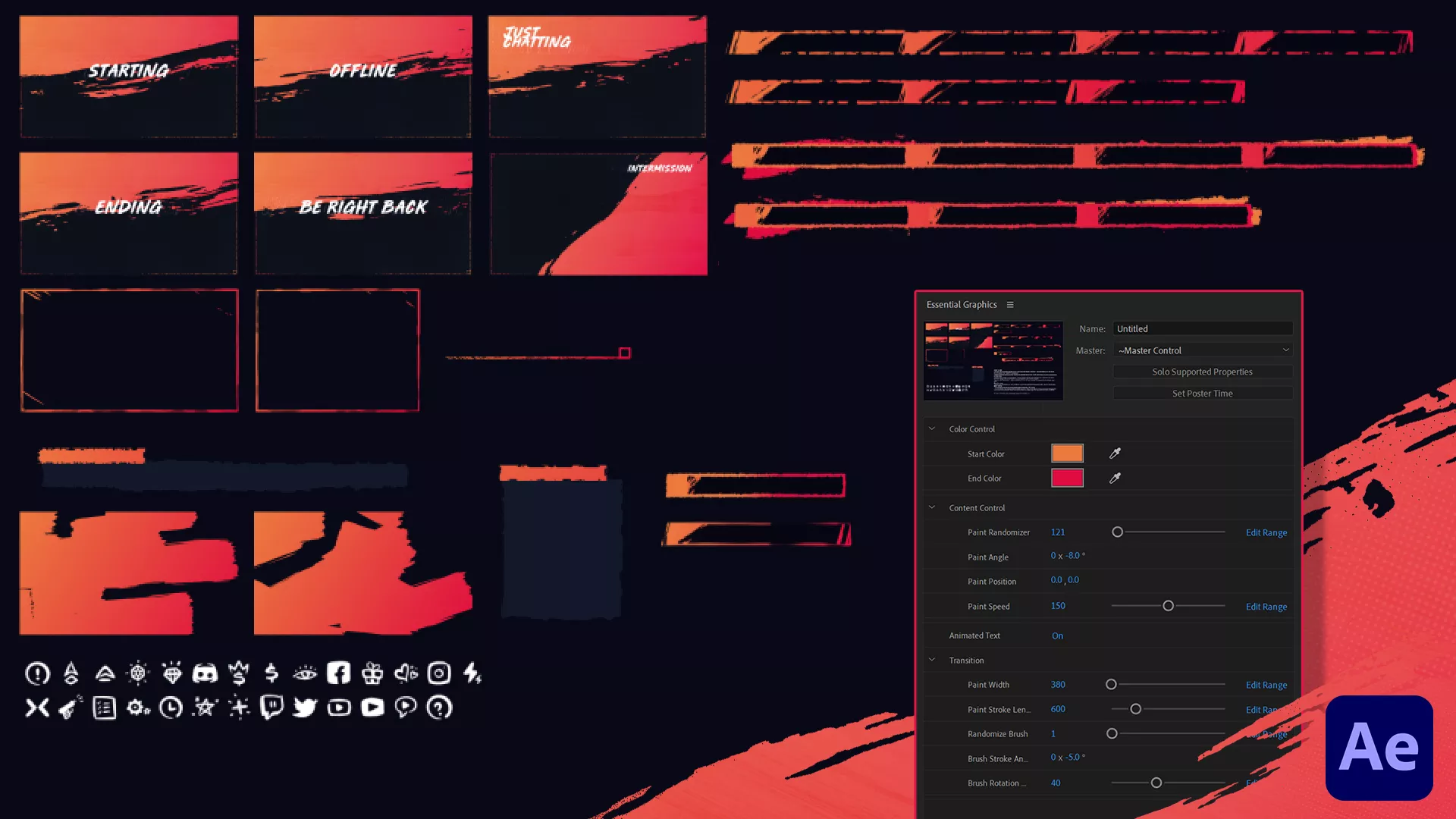
To give you an idea of what’s included, check out the list below showcasing the contents of our overlay templates.

Included in our Overlays
- Animated overlays (starting, BRB, ending, and blank screens)
- Matching webcam frames (16:9 and square versions)
- Prebuilt scenes for OBS, Streamlabs, and StreamElements
- Optional After Effects project for deeper edits
- Customizable text and social icons
- Profile panels for Kick channel pages
Customizing Your Overlays
Having access to the source files makes customizing your designs a breeze! We don’t like to boast, but our source files truly simplify the process of customizing your overlays, especially for those experienced with Adobe After Effects.
If you have a creative flair and a keen eye for design, the base products might not suffice. Our overlay templates are often available with the After Effects animated source files, giving you complete control over every aesthetic detail of your purchased overlay template.
Kick Overlay FAQs
A Kick overlay is your stream’s visual layout. The frames, alerts, and scenes that make your channel instantly recognizable. It’s what your viewers see every time you go live. These overlays are used on your channel to increase engagement and share key details. To create an overlay, you can integrate images, videos, text, and dynamic widgets into broadcasting software such as OBS Studio.
Kick overlays effectively communicate your brand to your audience, display information like social media links, and drive engagement during specific events. By utilizing overlays, you can significantly improve the visual appeal and functionality of your stream.
You can discover free Kick overlays on our shop, across the web, and on YouTube. We strongly advise that when downloading any overlays for OBS Studio, you ensure they come from reputable sources.
We are committed to consistently offering new free Twitch overlays and resources. Our journey began with free tutorials and overlays, and we remain dedicated to the users who have supported us along the way.
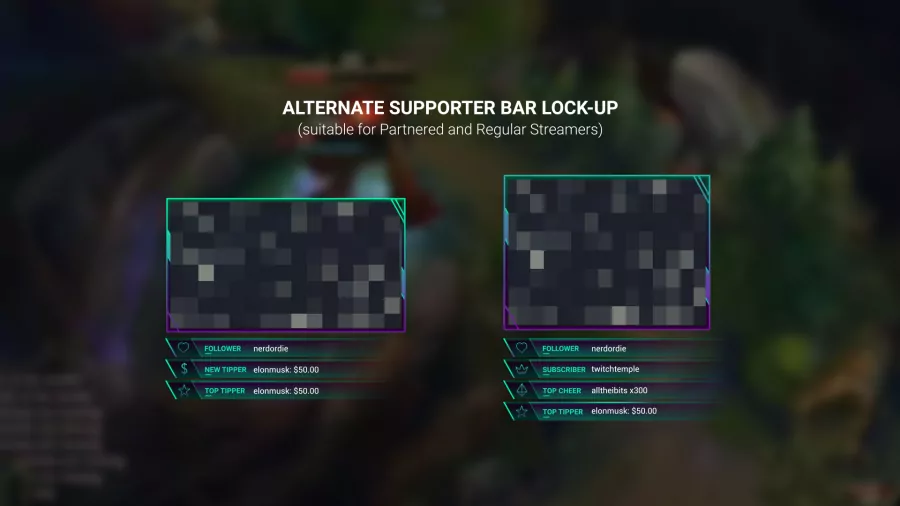
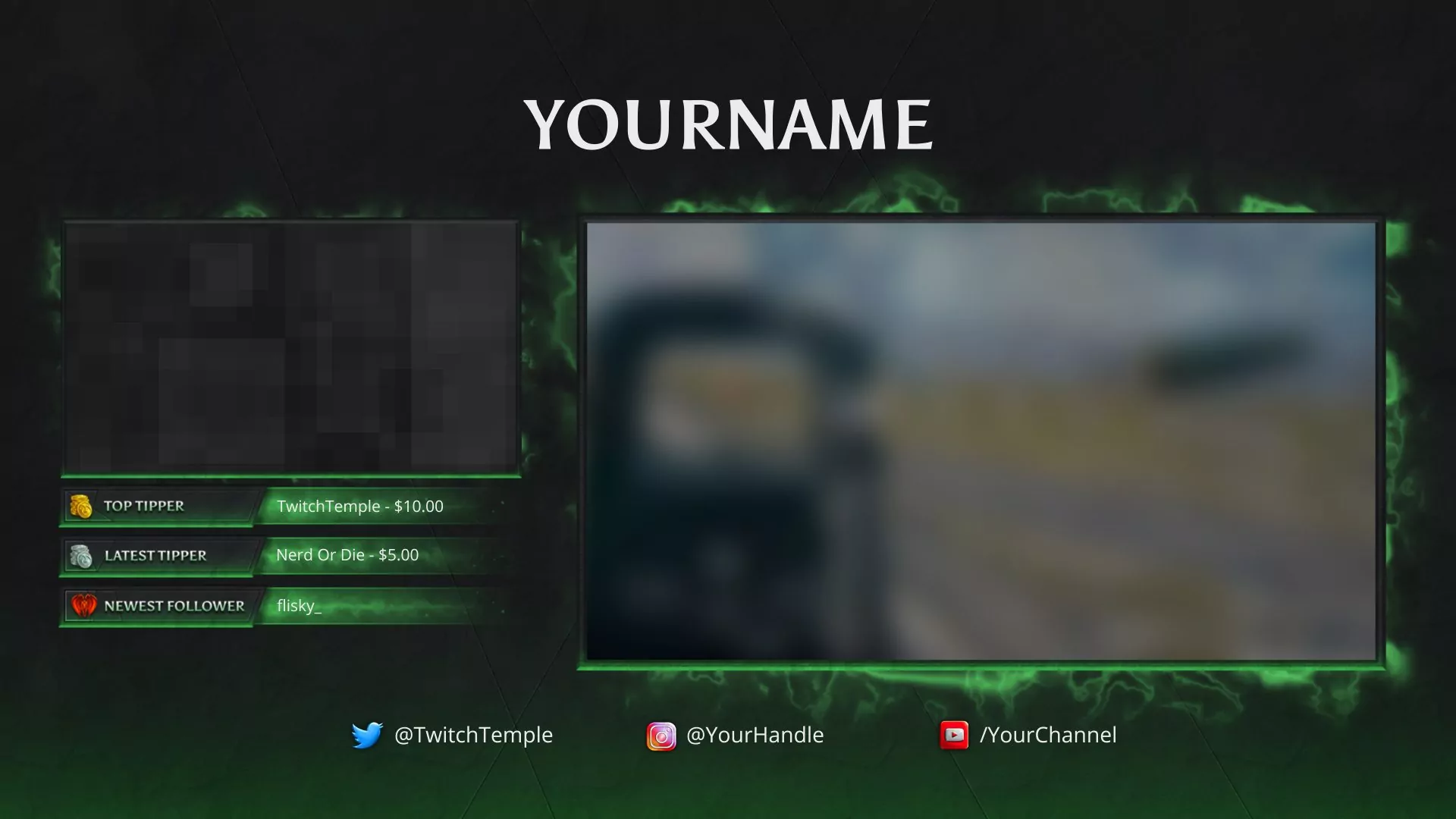
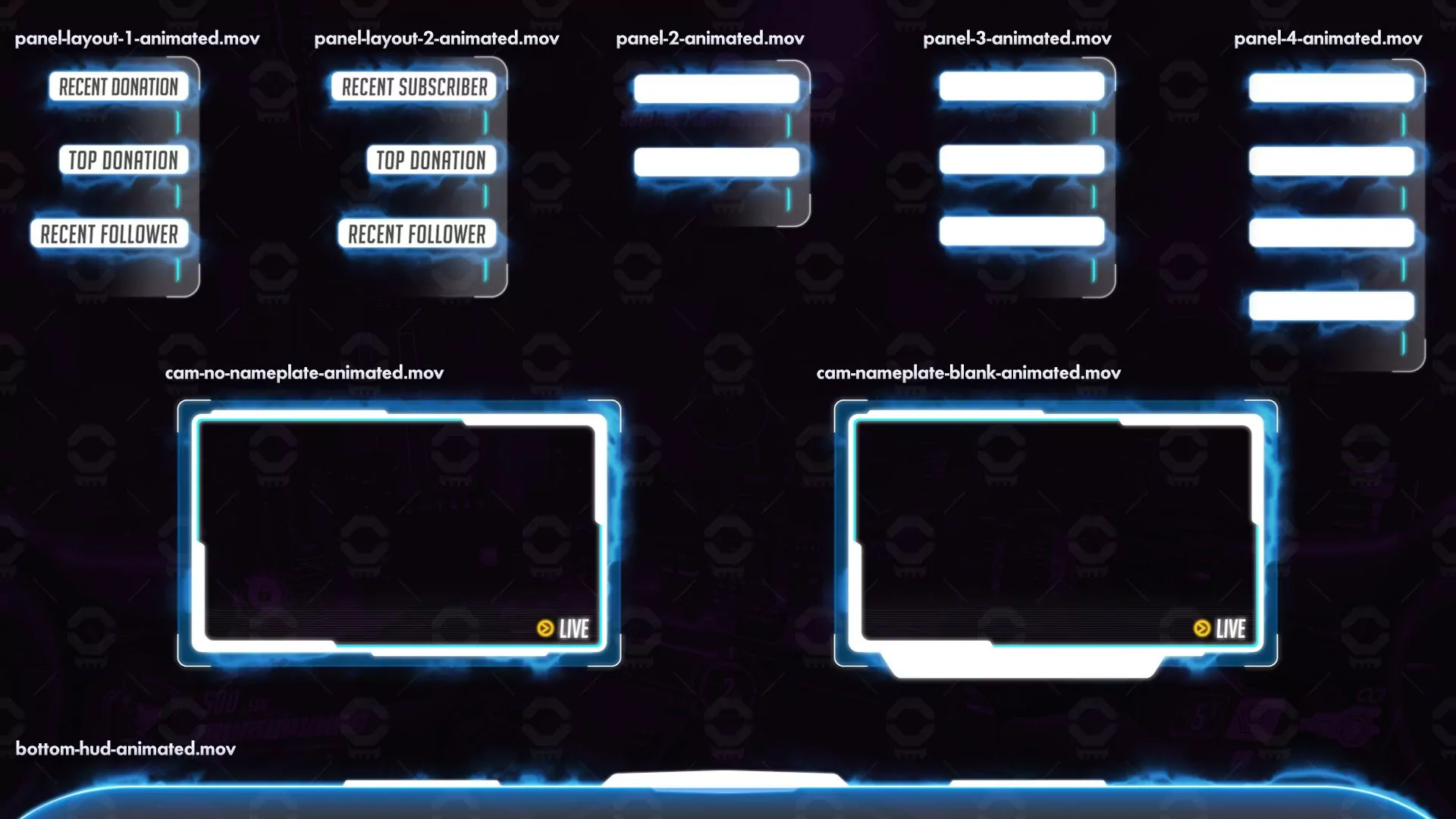
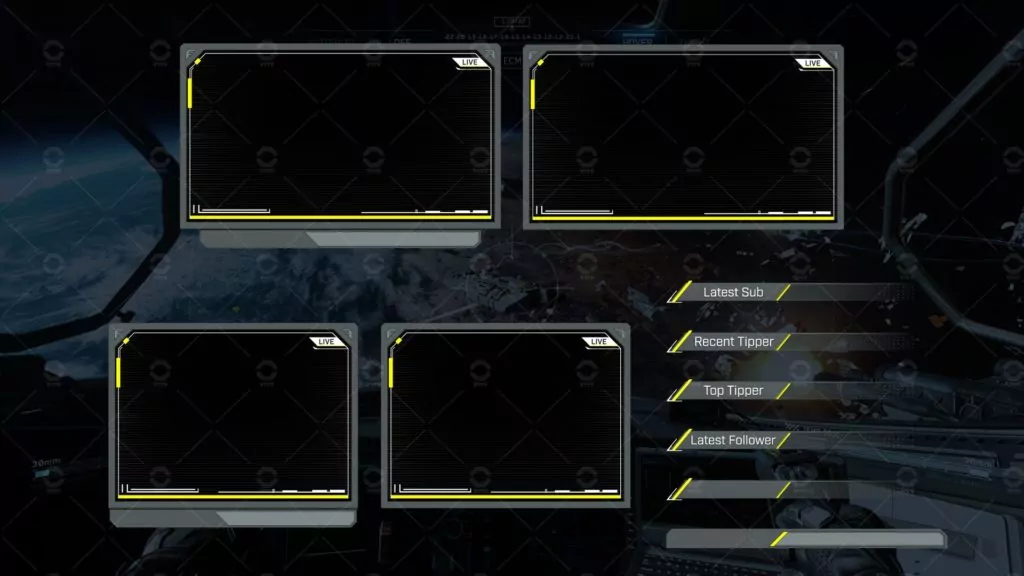
The simplest way to design your own overlay is by using a premade template that offers customization and modularity. It’s crucial to select elements that align with your stream’s aesthetic and cater to your audience.
Alternatively, you can create an overlay from scratch. This approach requires skills in graphic design, motion design, or even basic web coding. While premium software like Adobe Photoshop is an option, there are also many free alternatives available online.
Utilize motion graphics software like Adobe After Effects, Photoshop, or explore free resources available online for creating your overlays.
While it’s possible to animate Twitch overlays using code like HTML, CSS, and JavaScript, this method is generally more time-consuming compared to traditional animation software. For most purposes, especially if you’re designing an overlay for yourself or a client, rendering a video or image is the more practical approach.
Buying a Kick streaming overlay doesn’t always guarantee it’s superior to free options. Before making a purchase, evaluate the benefits offered by the shop or designer, such as support, customization options, and overall quality.
Yes, using a Kick overlay is recommended. While not essential for live streaming, when implemented effectively, Kick streaming overlays can enhance your viewers’ experience and foster greater engagement between you and your audience.
Absolutely! The key question to consider is: does this overlay work with the broadcast software you use? For example, if a Twitch overlay template is compatible with Streamlabs OBS, you can use it on Facebook Gaming if you stream with Streamlabs OBS. When we design our overlays, we ensure compatibility with popular broadcast software such as OBS Studio, Streamlabs OBS, OBS.Live, and XSplit.
Yes! Kick now has an official developer API. That means alerts and widgets can fully integrate with Kick events — just make sure your chosen alert platform (like Streamlabs) supports it. All our widgets have been recreated to work with Twitch, Kick and YouTube.