


Free Twitch Overlay Templates - 50+ Downloads (2026)
Want better Twitch overlays without spending a dime? You’re in the right spot. Grab any of our 50+ free templates below. Hop into our Discord and we’ll get you sorted.
Updated July 2026 · New templates added, setup re-tested in current OBS, Streamlabs & StreamElements updates.


Complete overlay packs, 100% free
Free downloads from our biggest packs
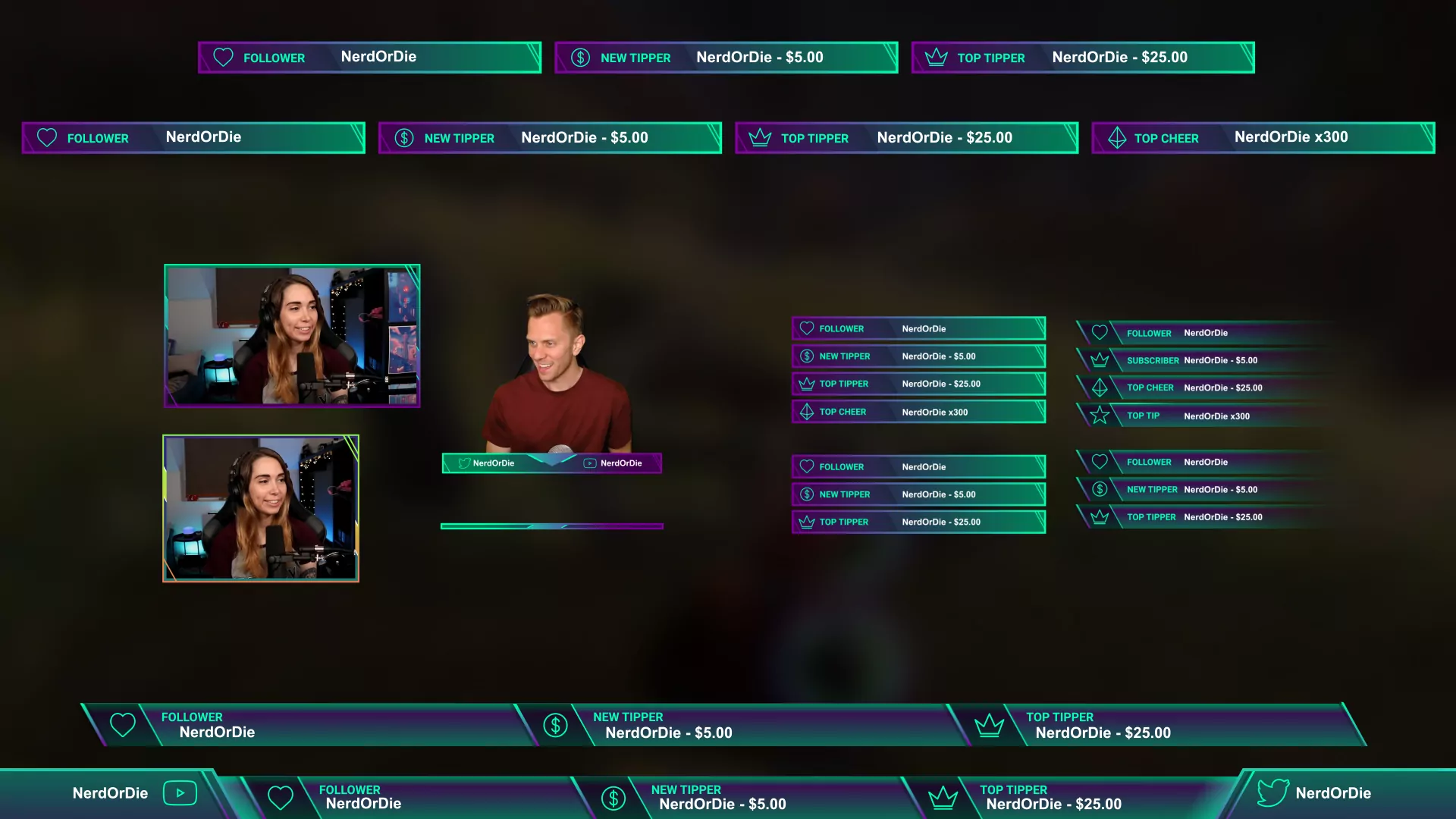
Almost all of our premium packs includes a free piece to try. Select "Free Download" under the product type and it's yours.
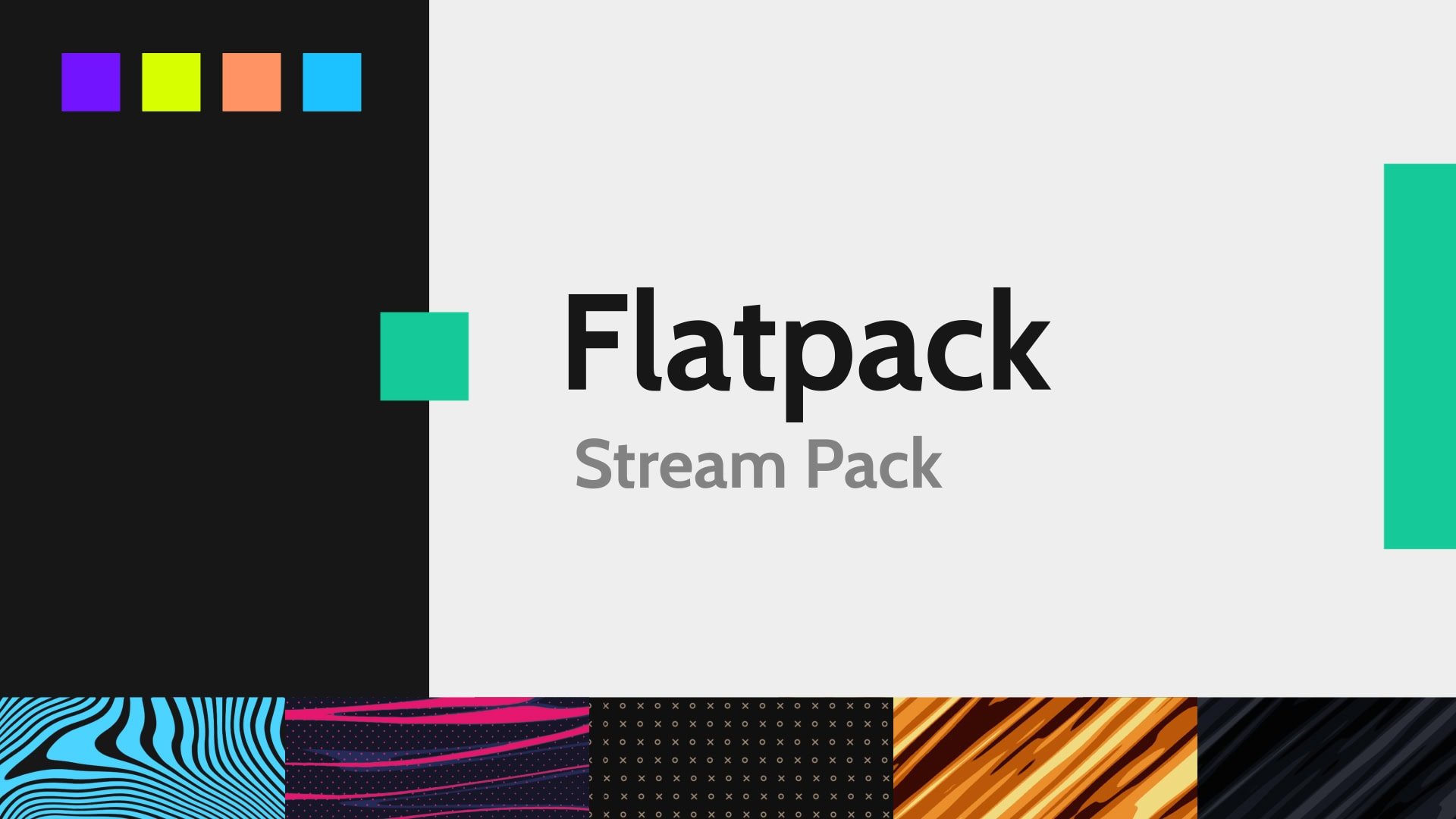
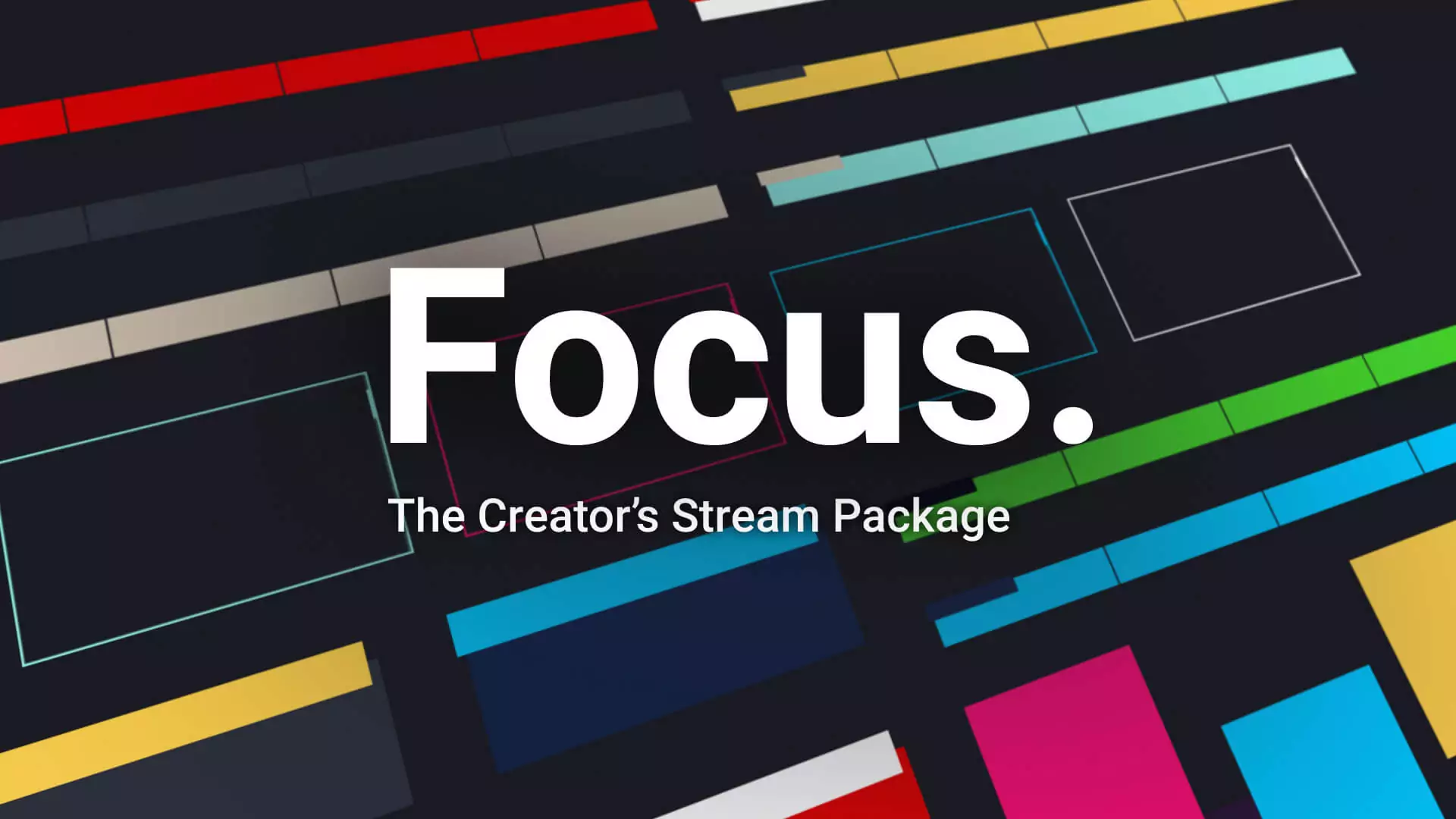
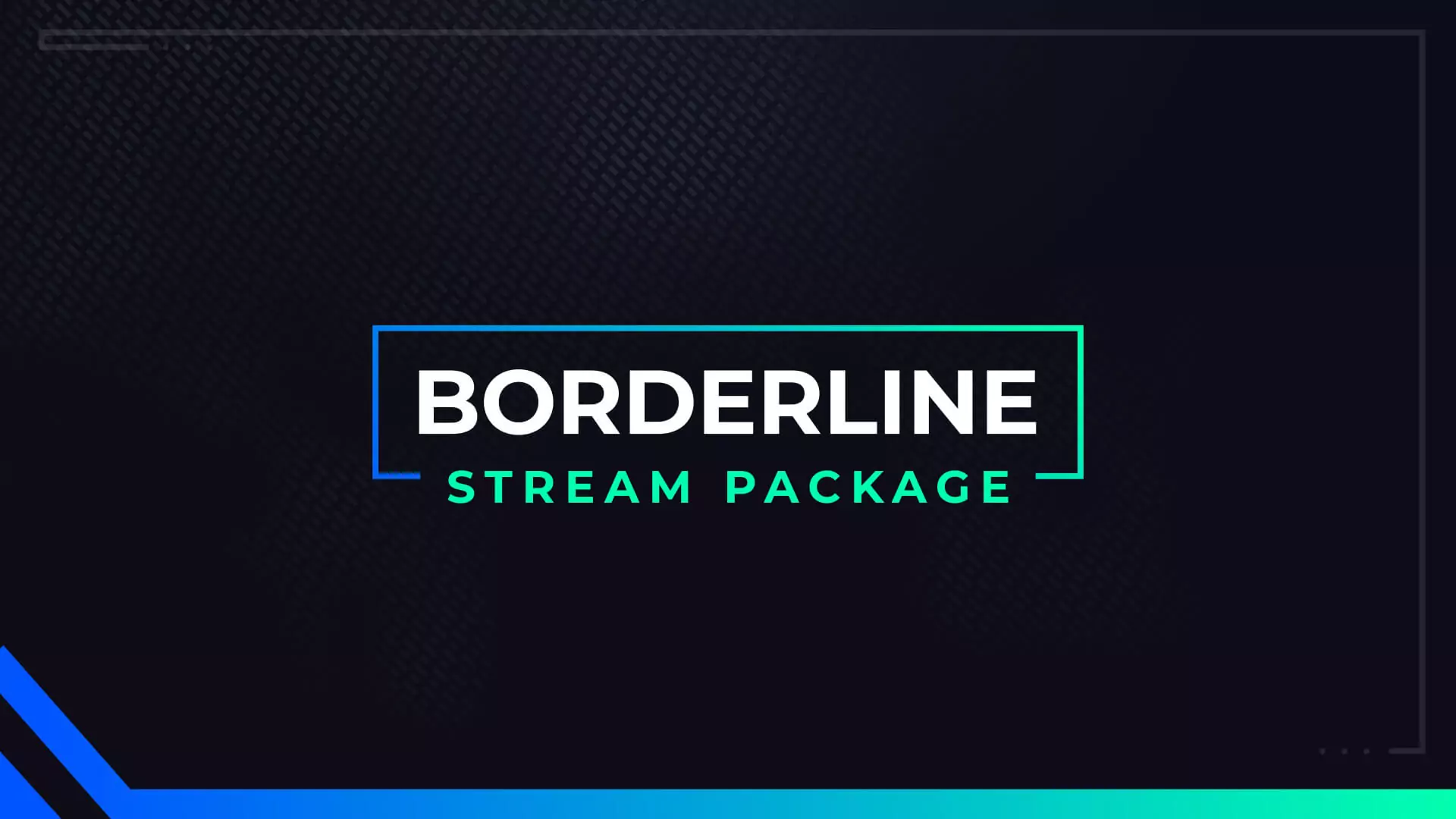
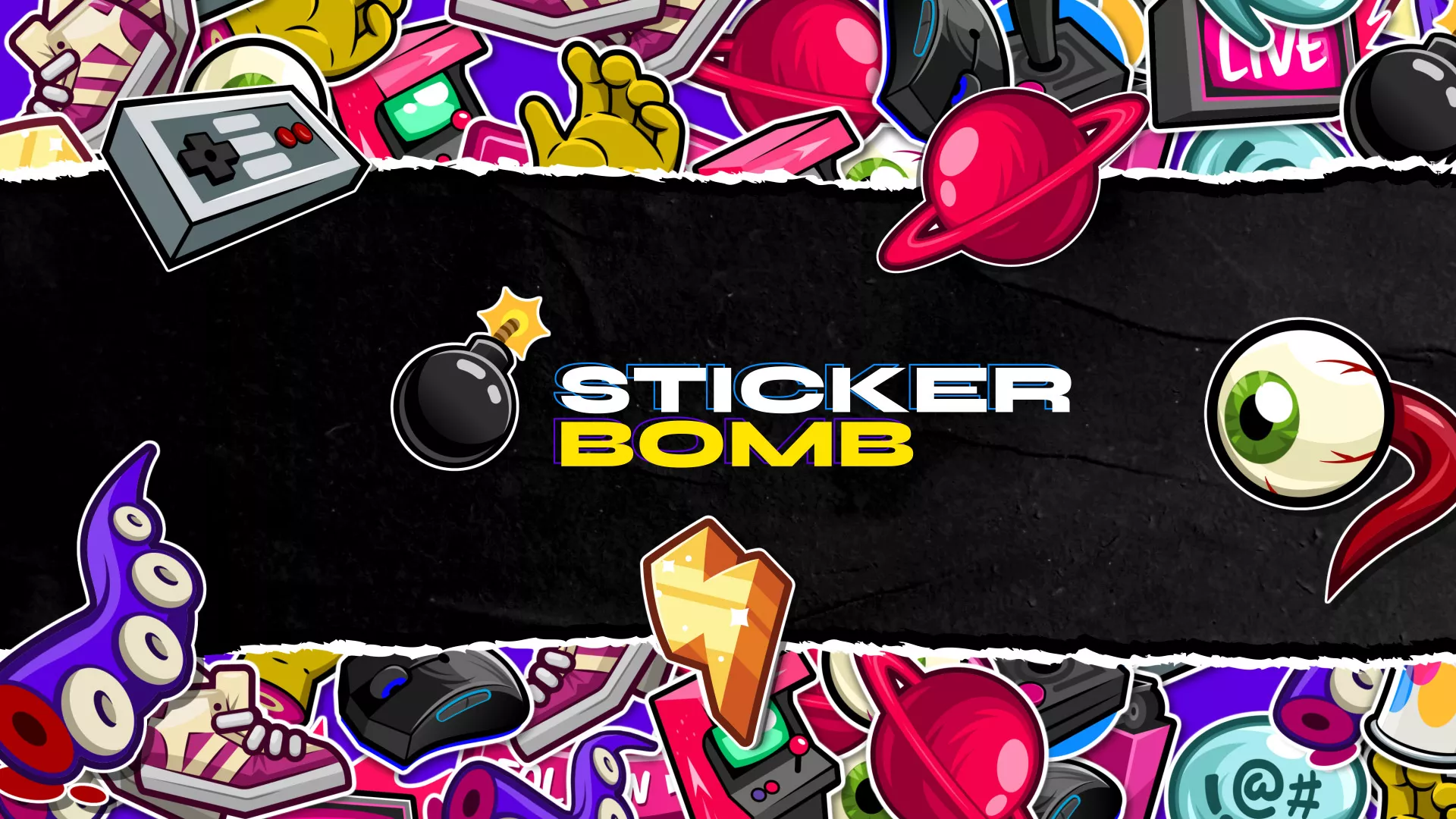
Premium packs like StickerBomb include everything you need. Look great for when that big raid hits.
Ready to Upgrade? Here’s what’s included
If you’re new to streaming, or just need some help getting started with your design, a premium template is the best place to start. On top of a beautiful design, you’ll also receive:
- Full animated scene sets: starting, BRB, and ending screens, plus matching alerts and widgets
- Color and text options you can change without any design software
- After Effects source files when you want full control
- Priority support on email and Discord from the team that built them
One-time purchase, $10 to $30. No subscription.
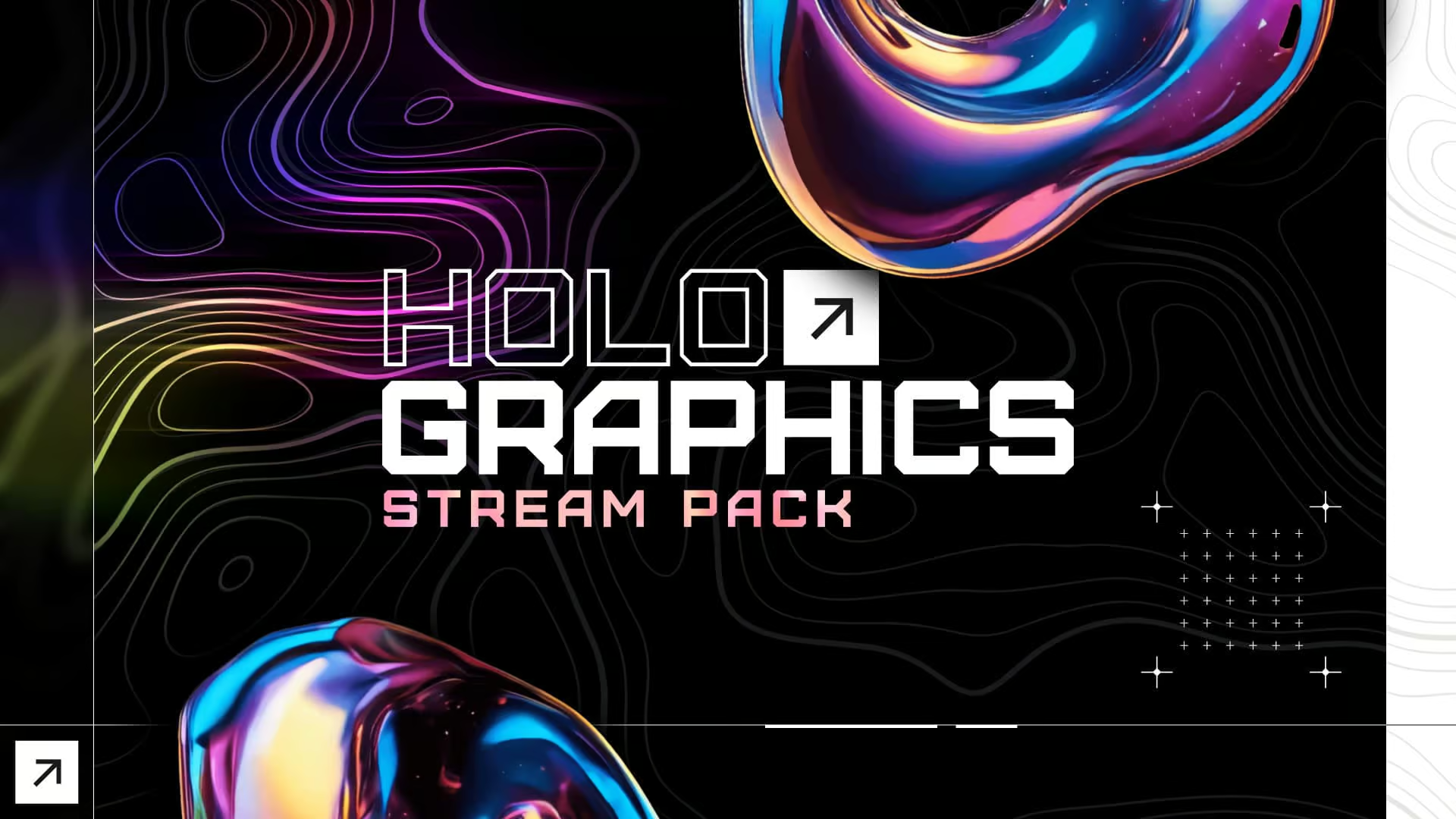
Not sure where to start? The Holographics Stream Pack and the Relay Stream Pack are the two streamers buy most. All come with the quick-install links and setup guides you just read about.
Streamer Favorites
We create high-quality Twitch overlay templates and offer free Twitch overlay downloads. With 10 years of experience, we’re here to help you find the perfect design without breaking the bank.
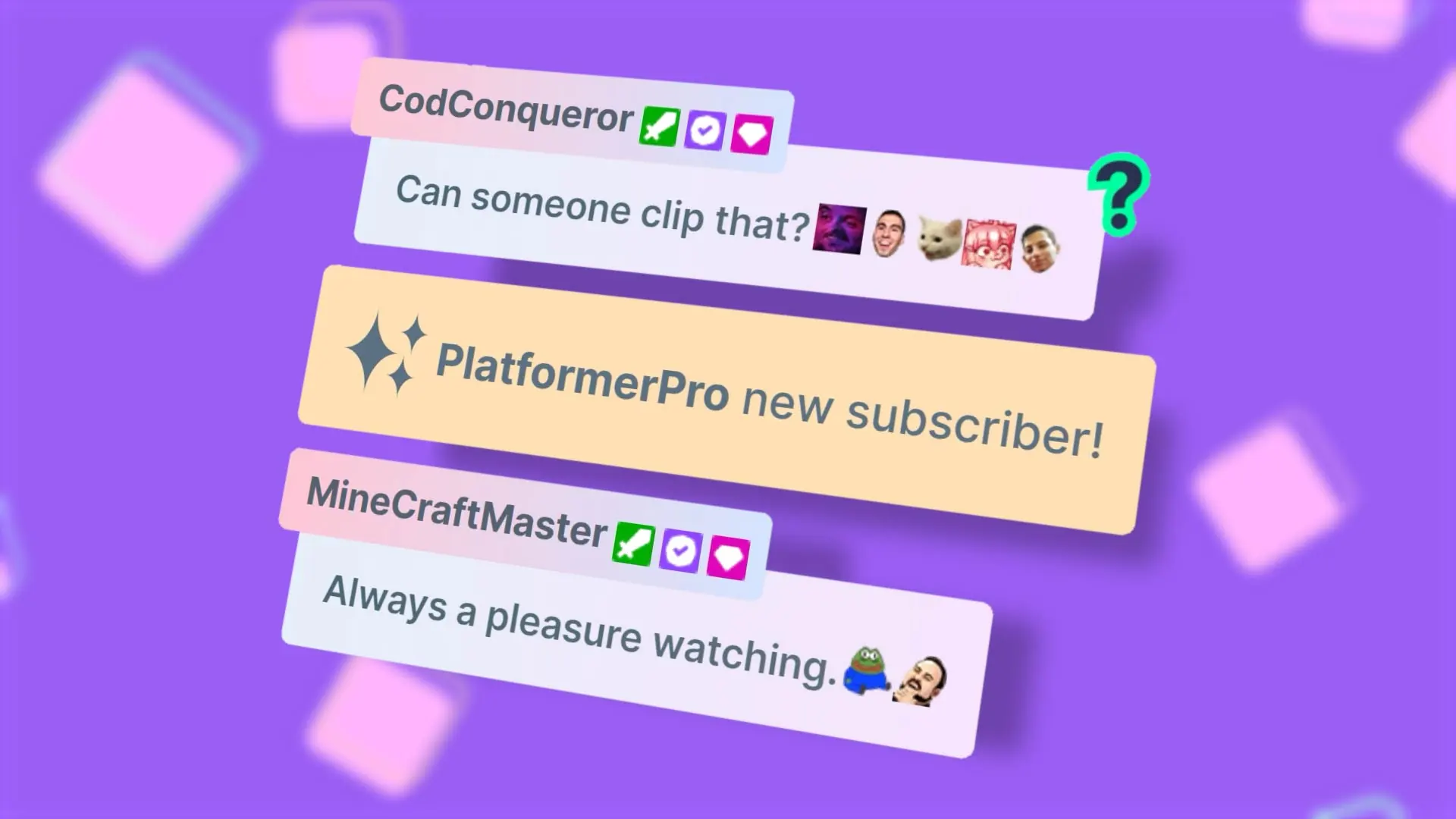
Flow – Chat Box
$15.00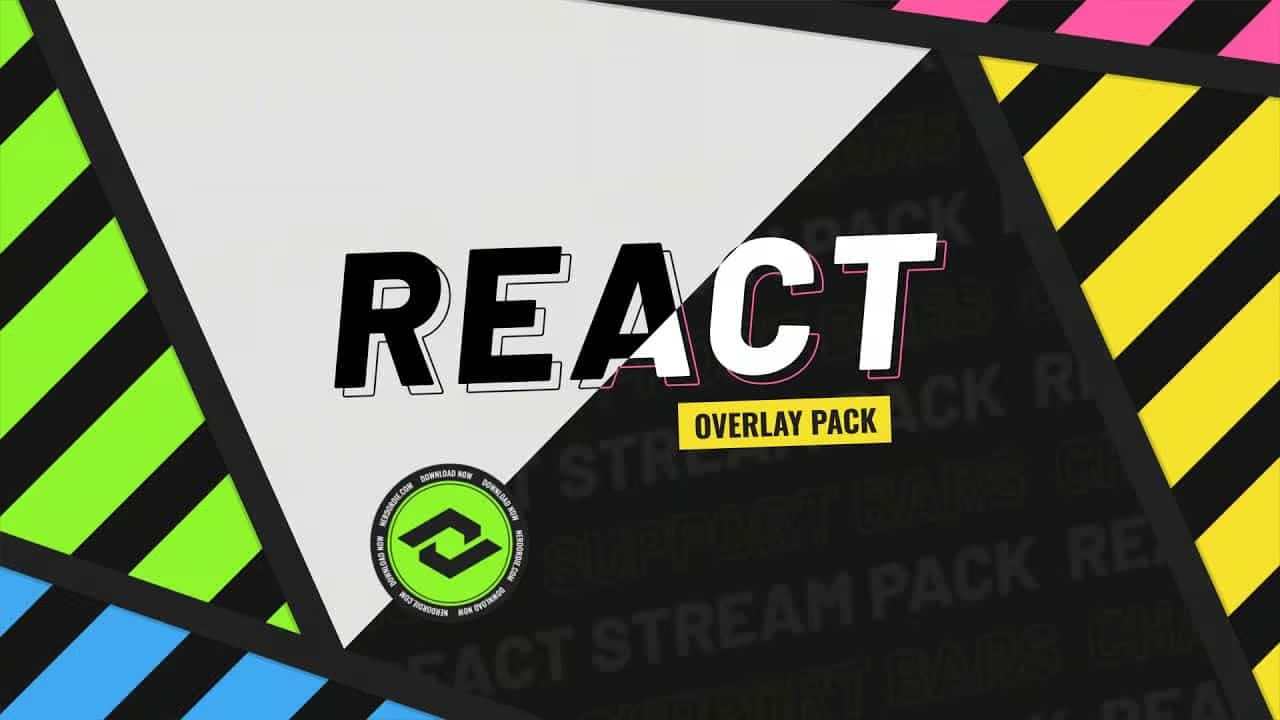
React – Stream Pack
$30.00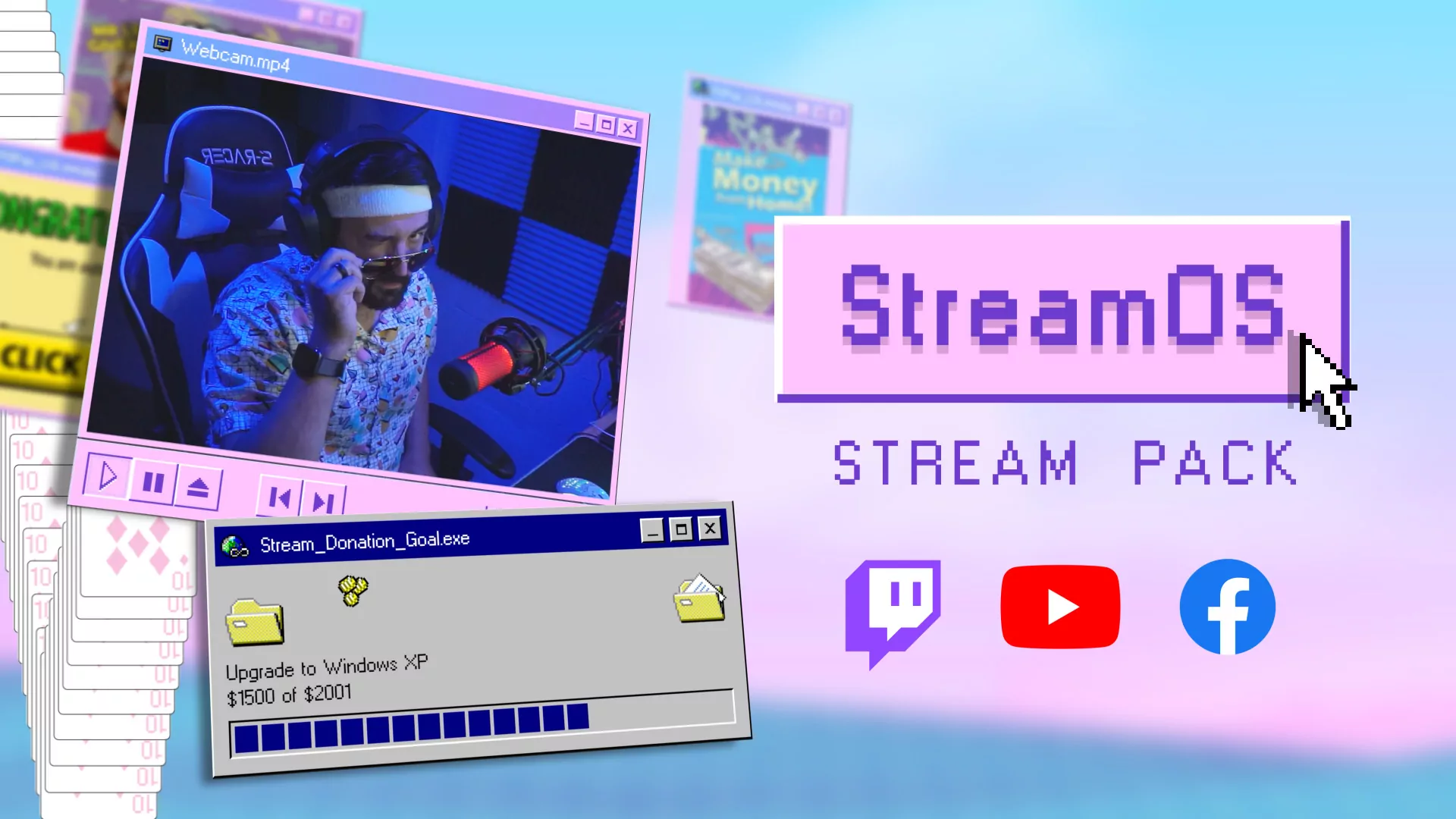
StreamOS – Stream Pack
Price range: $15.00 through $30.00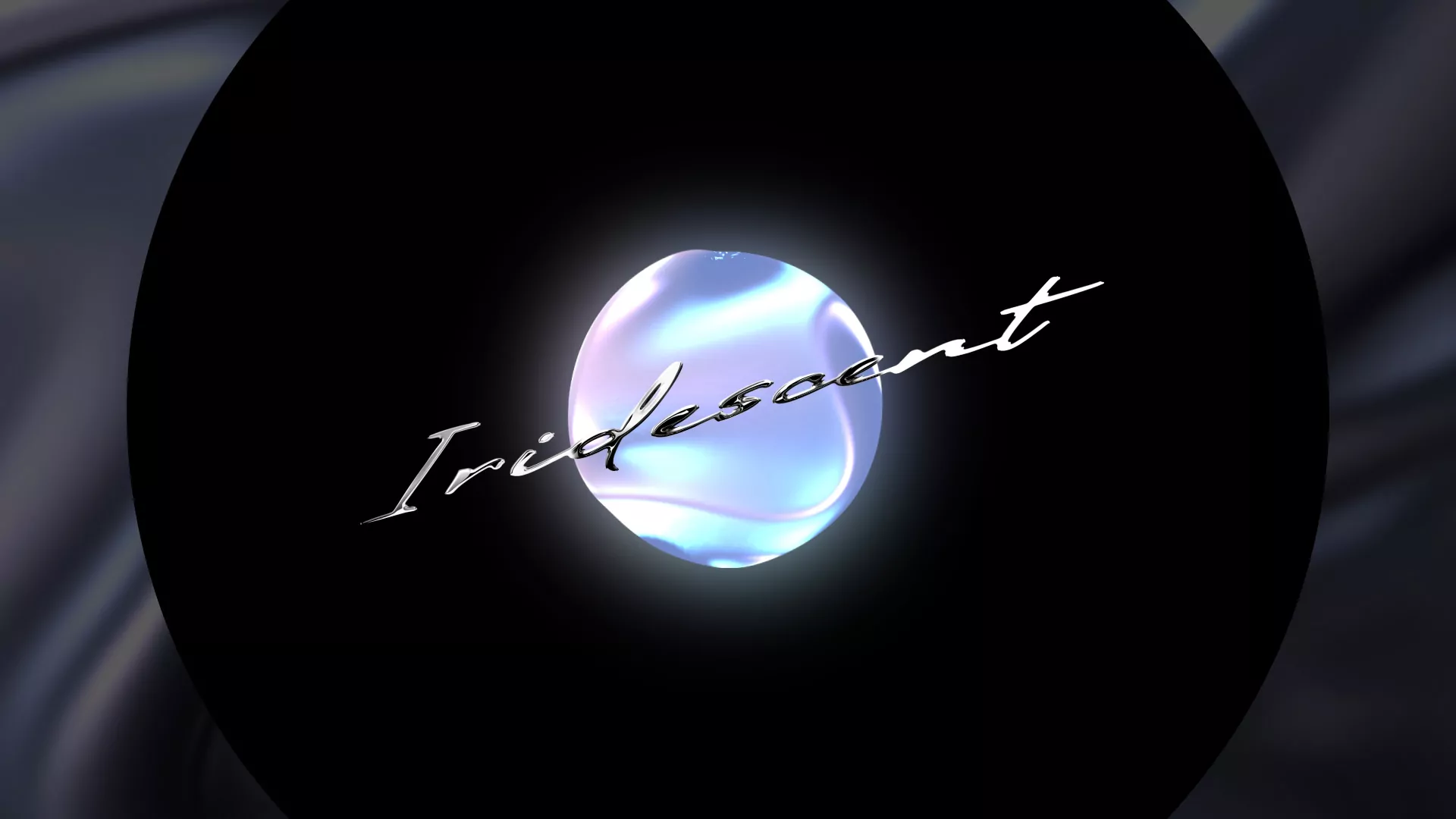
Iridescent – Stream Pack
$30.00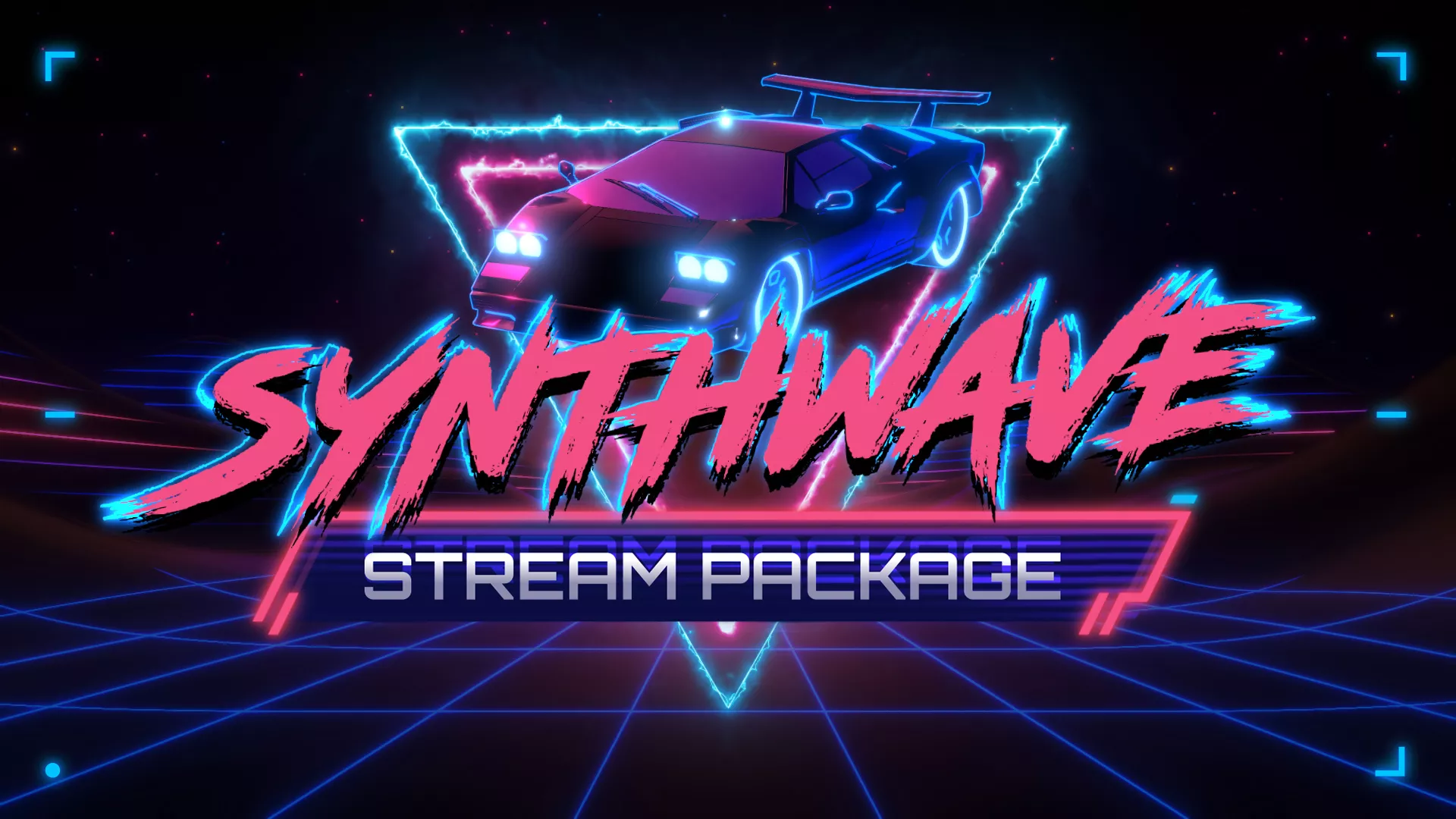
Synthwave Stream Pack
$30.00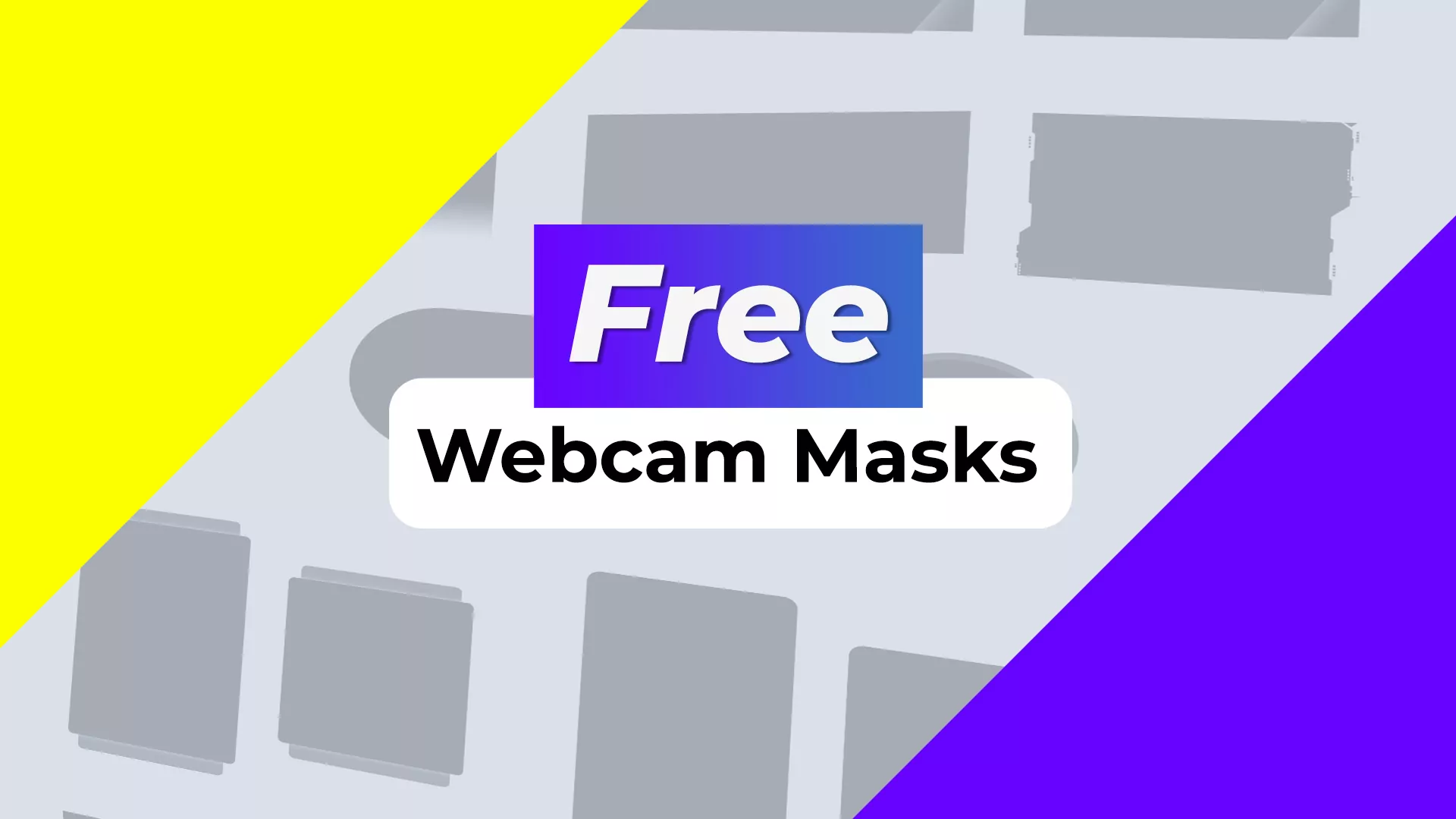
Free Webcam Masks
Suggested Price: $2.00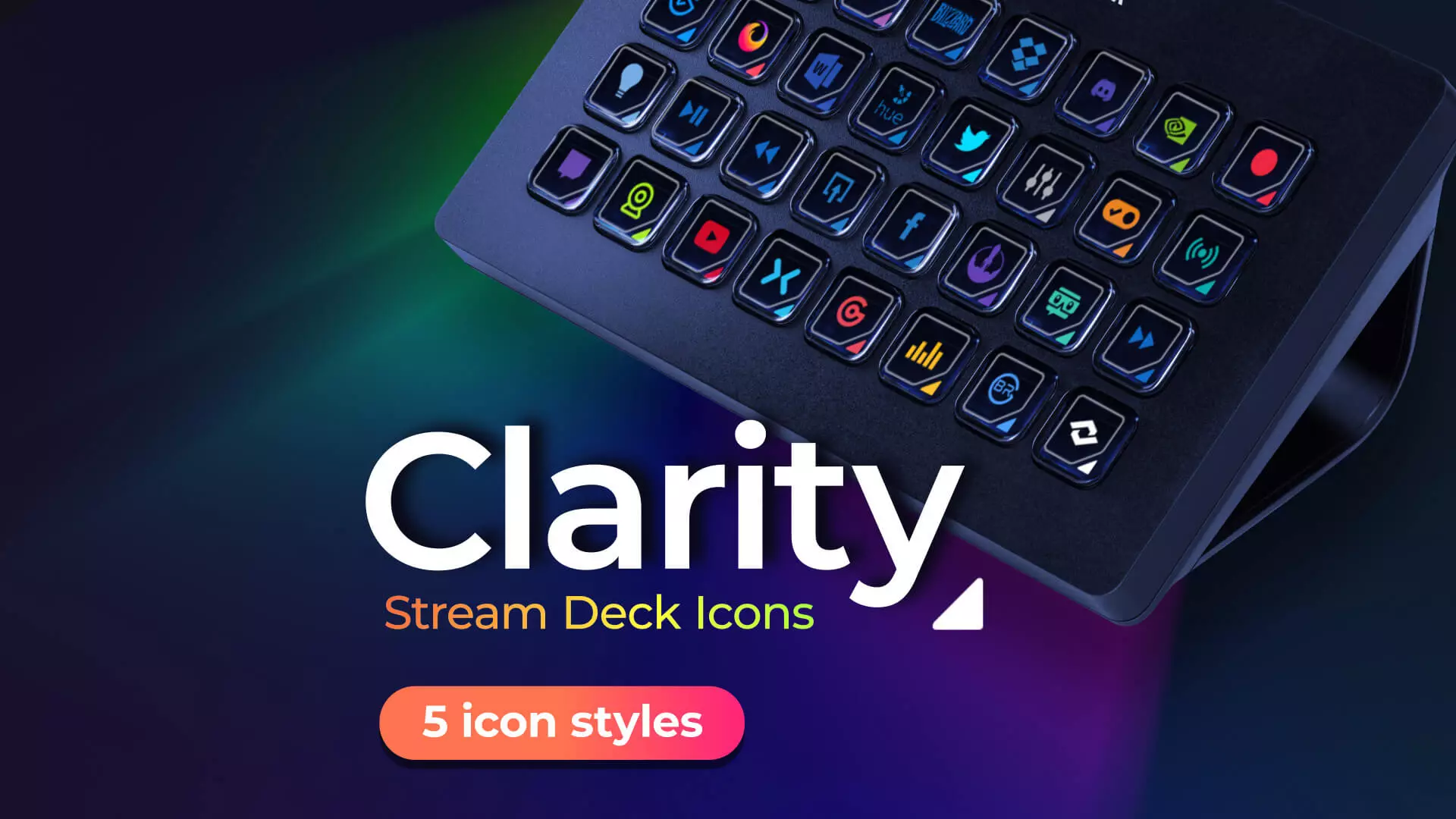
Clarity – Stream Deck and Touch Portal Key Icons
$10.00 or Free OptionCompatible with OBS, Streamlabs and StreamElements
Our overlays work with everything you already use! Every template on this page runs in OBS Studio (30 or newer), Streamlabs Desktop, and StreamElements, as well as anything that supports browser and media sources.
Static overlays and panels drop in as image or media sources, while alerts and widgets load as a single browser-source URL, no plugins needed. And since overlays live in your streaming software, not the platform, the same files work whether you stream on Twitch, YouTube, or Kick.
Want to make your own instead? Our free streamer tools let you build stinger transitions, timers, and social popups right in your browser, then use them directly in OBS.
Twitch Overlay FAQs
Where Can I Find Free Twitch Overlay Templates?
Good news, we have you covered! We have and will continue to always be releasing new free Twitch overlays templates that you can download here. We started with free tutorials and overlays and will not forget the users that helped us get us to where we’re at today!
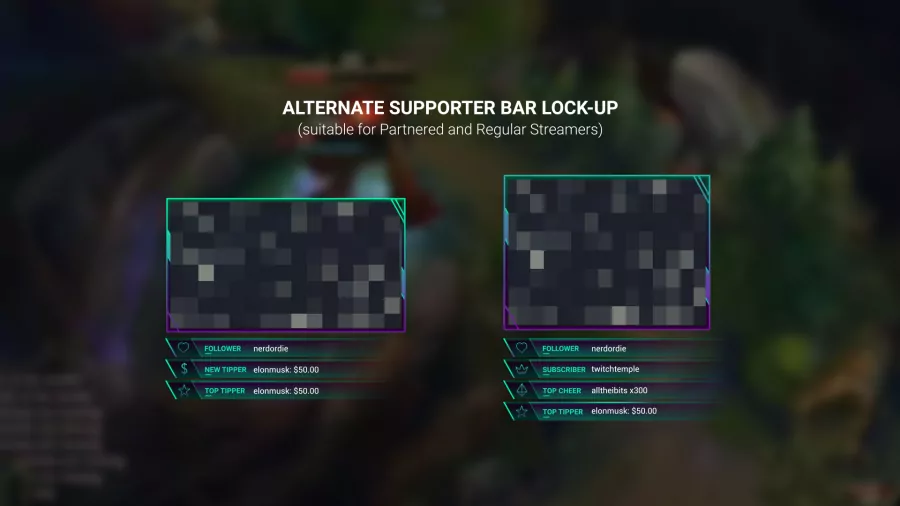
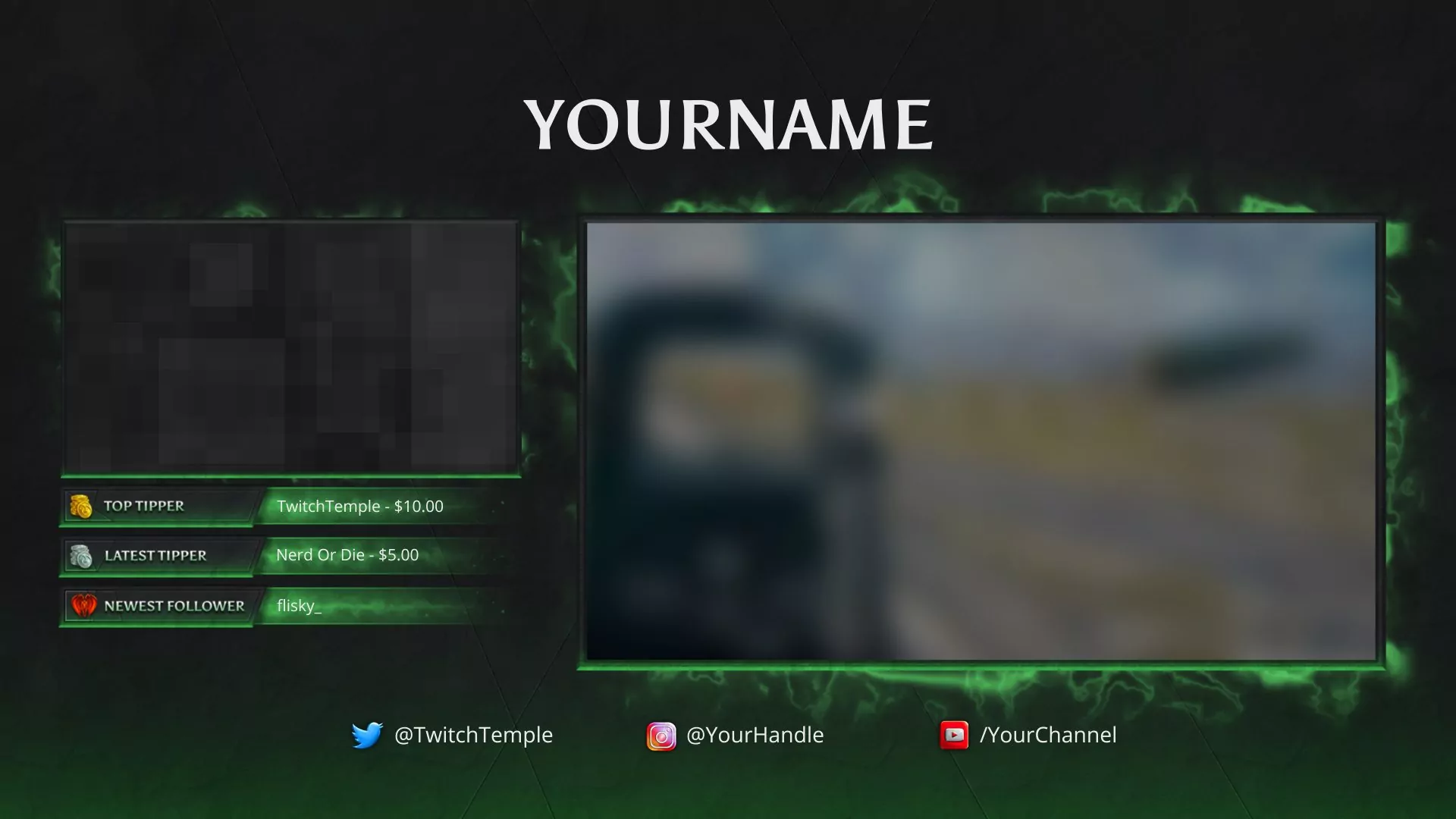
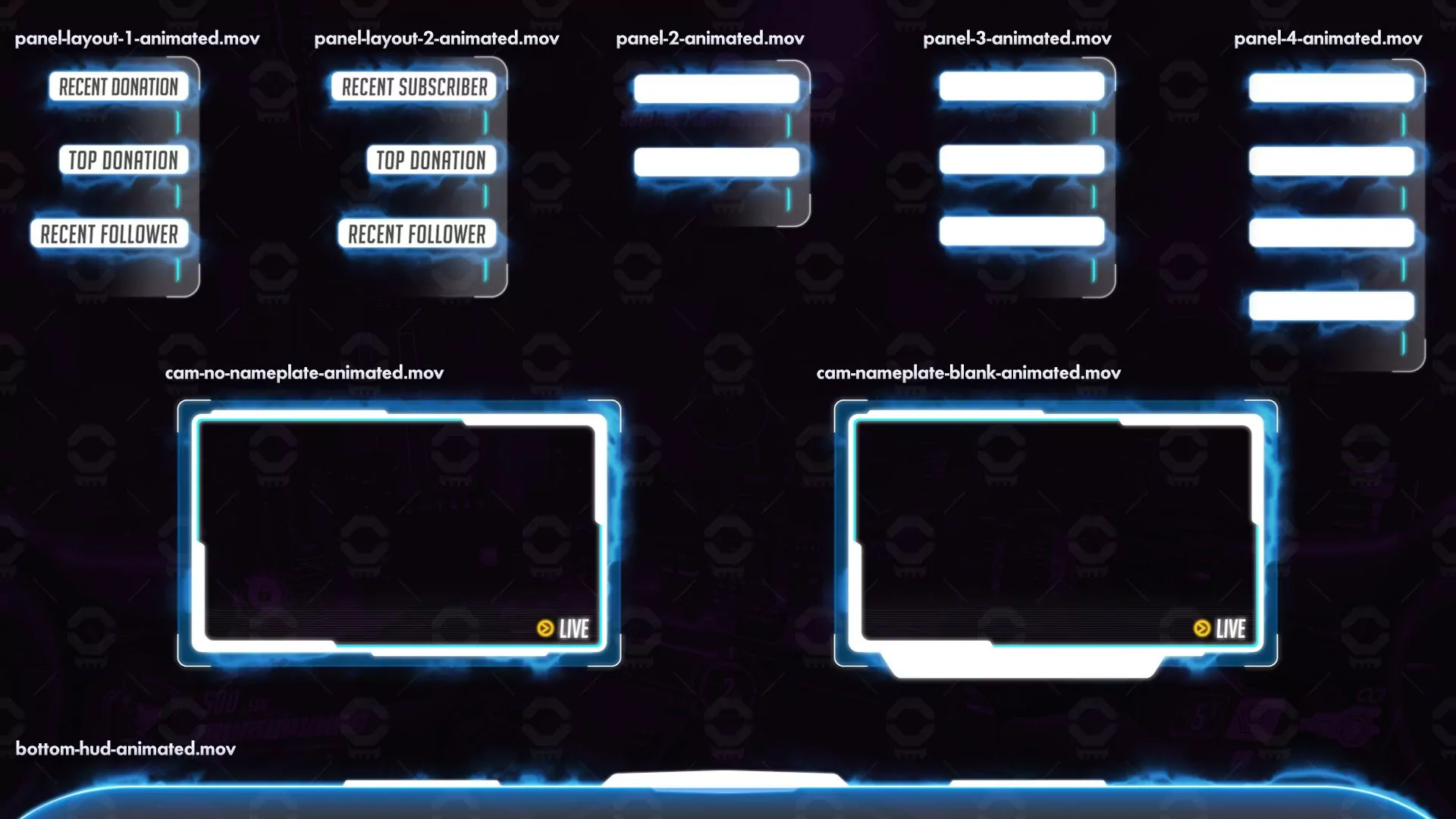
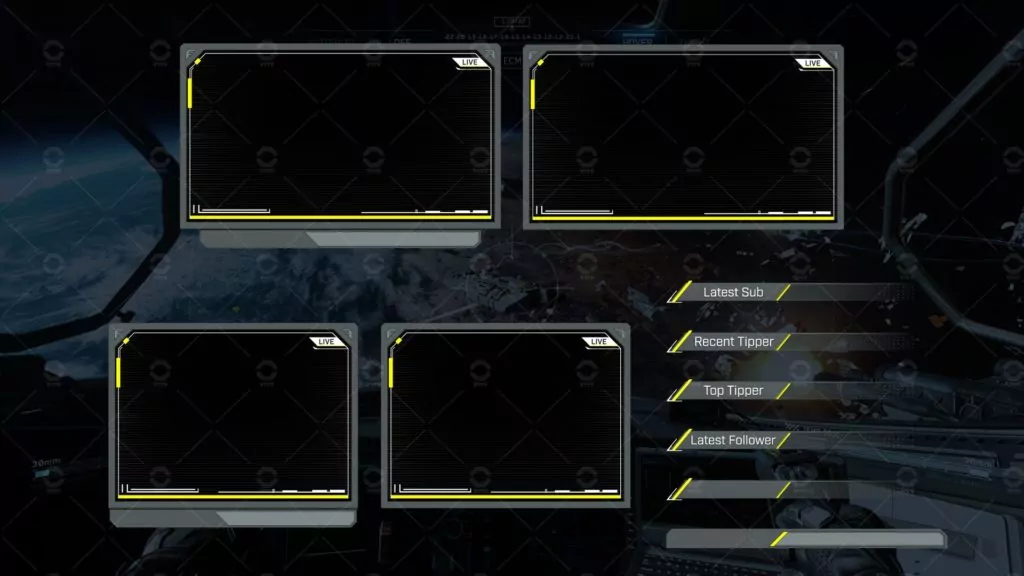
Use motion graphics software such as Adobe After Effects or Photoshop or other free resources found online.
While you can technically animate Twitch overlays with code such as HTML, CSS, and JS, it ultimately will take a lot more time than using traditional animation software. Since you’re likely making an overlay for yourself or a client, rendering a video or image will be the way to go.
Free Twitch overlays from Nerd or Die are high-quality and easy to install, perfect for new streamers. Premium overlays include advanced features like animated widgets, After Effects source files, and priority support. Compare free and premium options in our overlay guide to choose what’s best for your stream.
To set up a Nerd or Die Twitch overlay in OBS Studio you can use our quick import script or set up manually.
The quickest route is using the script. Within OBS Studio, navigate to the scripts tab (Tools > Scripts). From here you can add your Nerd or Die Twitch overlay .lua script file. Run the importer and you will see your scenes populate automatically!
For the latter, add a new source (e.g., Image or Media Source) and select your overlay file from your downloaded Nerd or Die zip file. Adjust the position and size in the preview window. For widgets, use a Browser Source and paste the Streamlabs/StreamElements URL provided. Check our OBS setup guide for a detailed tutorial. All our overlays are optimized for OBS Studio’s latest 2026 and beyond updates.
Absolutely! We are happy to provide assistance for streamers when setting up or troubleshooting Twitch Overlays from Nerd Or Die to provide the best experience. Whether you’re using OBS Studio, Streamlabs Desktop, StreamElements, or even something we’ve never heard of we’ll do our best to help. You can reach us through our contact form, or join us on Discord where we can provide live help.
Nerd or Die Twitch overlays are compatible with widely-used streaming programs such as Streamlabs Desktop, OBS Studio, and StreamElements. These tools allow you to easily install and personalize overlays, whether you’re streaming on Twitch, Kick, YouTube, or another platform. The widgets are designed to work flawlessly with Streamlabs and StreamElements.
Nerd or Die overlays are designed for standard resolutions like 1920×1080 and 16:9 webcam frames as this is in line with the output of Twitch. As of writing this, higher resolutions are not needed and may negatively impact performance and bandwidth requirements, especially on mid to lower end computers. Find out what bit-rate is best for your Twitch stream.
Yes! All our overlays are built to work with as many streaming platforms, including Kick and YouTube. Simply install them for OBS Studio and start streaming with your platform of choice. As of writing this, Kick now has integrations with Streamlabs and all our widgets are compatible and working. However, Kick is yet to integrate with StreamElements.
For 2026, popular Twitch overlay designs include minimalistic frames, vibrant animated alerts, and game-specific themes (e.g., for Marvel Rivals or Valorant). We go over trends in the evolution of Twitch Overlays in a blog article with over 10 years of experience to back it up.
New Posts

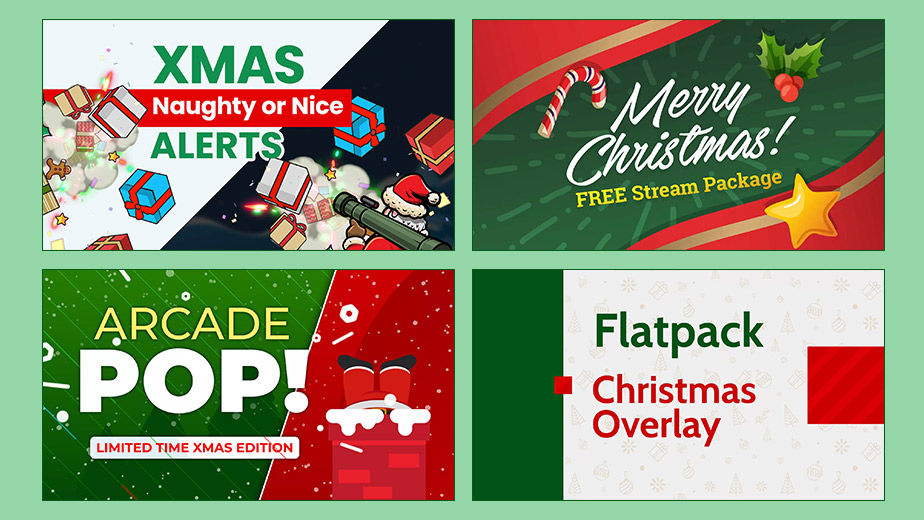
Free Christmas Overlays & Widgets (2025 Update) – New Snow Blaster and More
Our gift to you is to give you some of the best and free Christmas Overlays for…

0 Comments9 Minutes
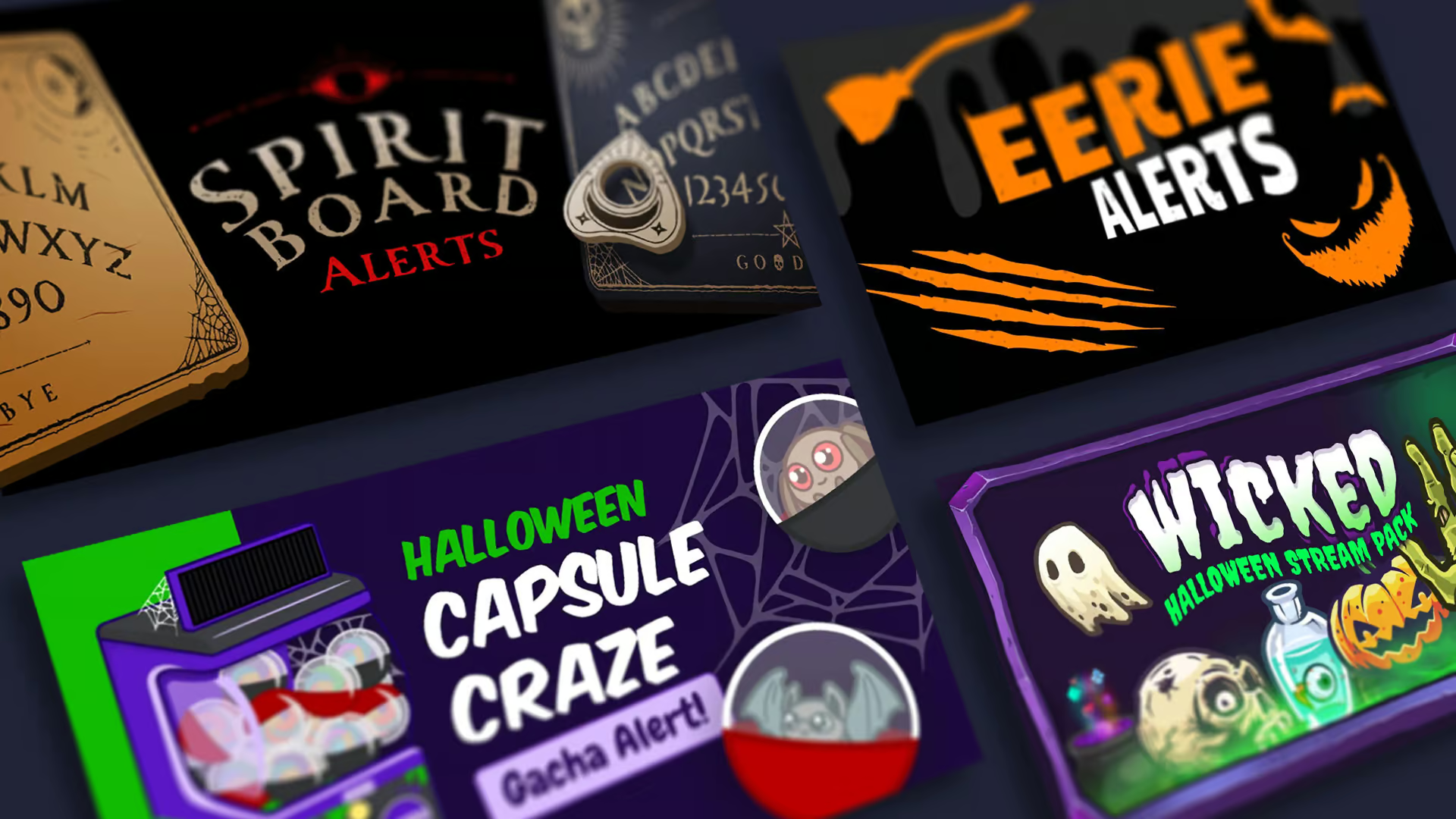
Haunt Your Stream with Free Halloween Overlays and Widgets (2025 Update)
The spooky times are upon us, and to celebrate Halloween, we’d like to release…
0 Comments8 Minutes
New Streamer Products
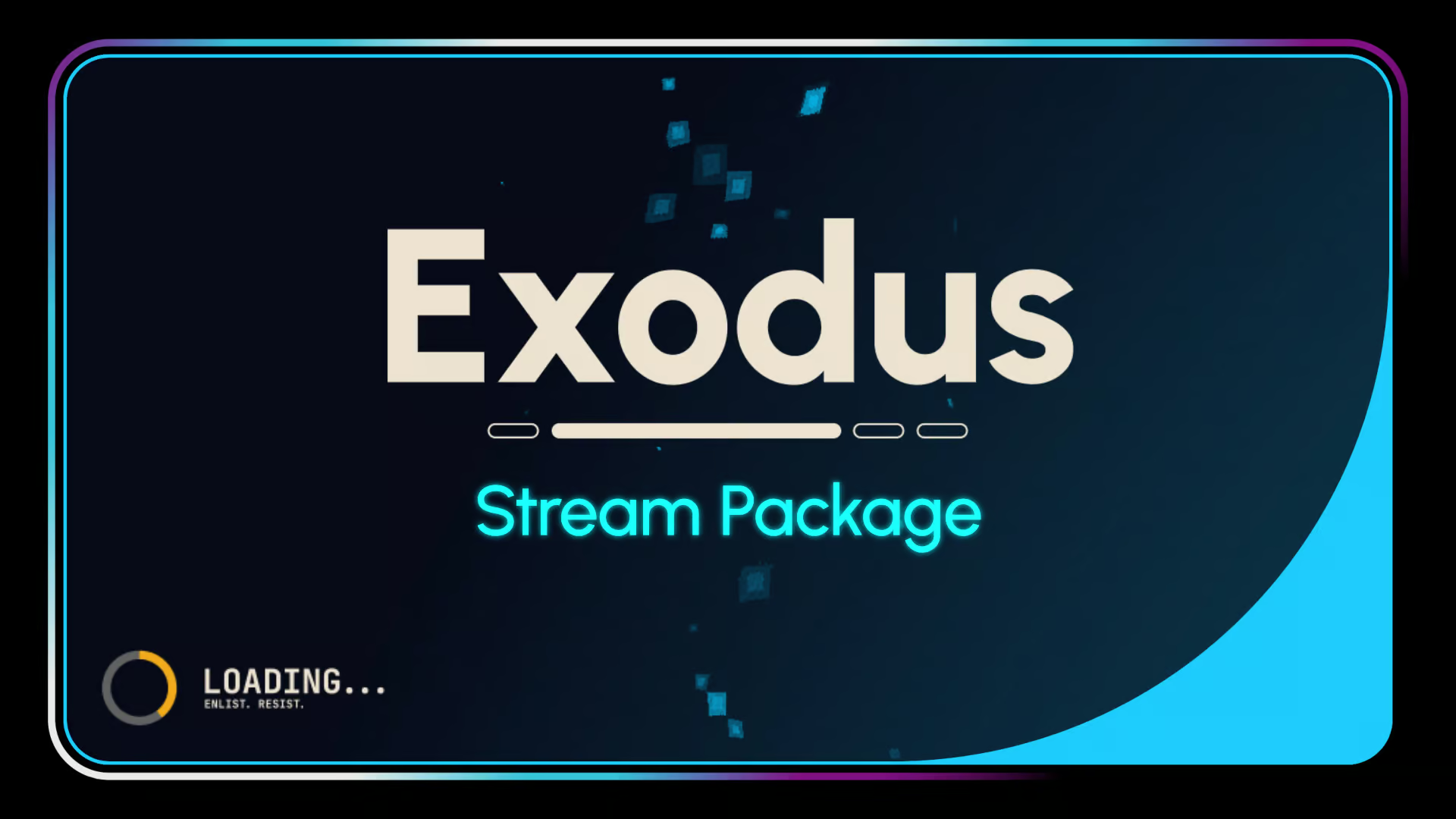
Exodus – Stream Pack
Price range: $20.00 through $30.00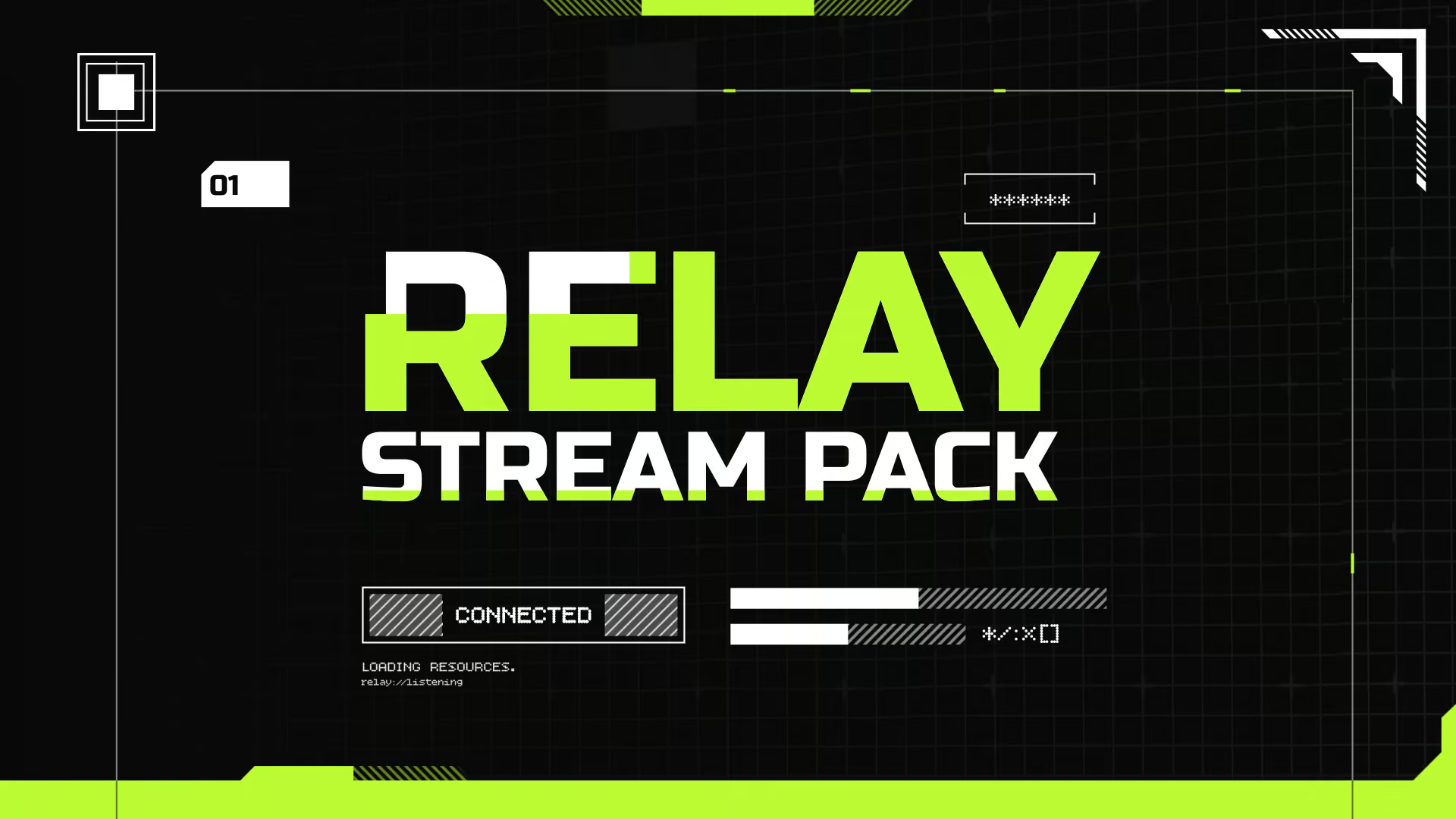
Relay – Stream Pack
$30.00 or Free Option