


Twitch Panels for free, and Setup Guide
I’m excited to release another free resource for all of you Twitch streamers! This time, I’m going to help you set up some great looking Twitch panels for your channel.
I’m excited to release another free resource for all of you Twitch streamers! This time, I’m going to help you set up some great looking Twitch panels for your channel. I want to give a huge thank you to MiiSTYMiiSTY, who gave permission to adapt a design we did for her, and let us release it for all to download, for free!
So, if you plan on using this, I recommend swinging by her channel and saying thank you.
View the updated version, click here!
Free to use Twitch Panels
So, stream panels are actually something that are just a little more complicated than meets the eye, but don’t worry, we got you covered with the set up. The reason for this is because of the margin that is added to non-link panels, but the lack of margin to panels that are links.
Which file should I use for my panels?
If your panel includes a “image links to” link – use the design that ends in -link, this is because it has an extra 15 pixels at the bottom.
If your panel is does not use a link – use the design that does not have -link at the end, it does not have any extra pixels, so Twitch will add those in for you.
How do I use these panels?
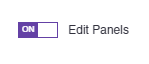
Simply right click, and Save image As for the files you’d like to use. Save the Twitch panels you’d like to use, go to your own Twitch Channel, scroll below your video area and flip the Edit Panels switch on.
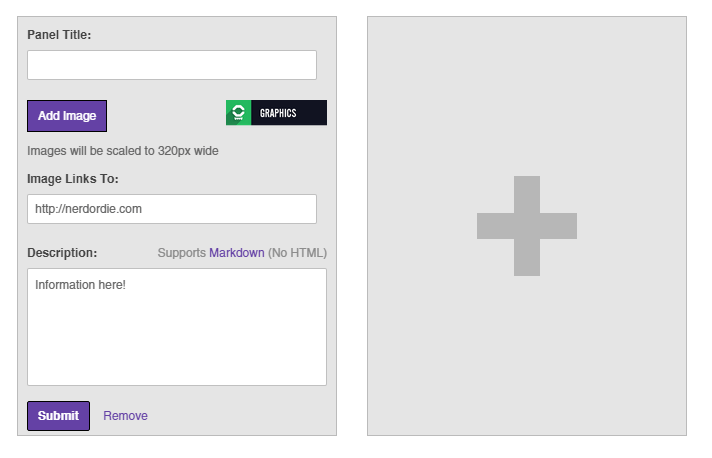
Next, click Add Image and then choose the appropriate image for the panel you are making. A cropping window will appear, but it should be automatically adjusted to the full size needed. Remember, if you’re using a -link file, there will be extra space on the bottom, this is intended. You will not need to add in a panel title, these images basically work as your title. Now, you just need to fill out any additional information in the description box, and hit Submit. If you want to add more, just click the plus box to add another panel and repeat this process.
What if I want more panels?
If you need different Twitch panels, please let me know in the comments on this site or on my YouTube video about setting this up. You can also send me a Tweet. If there are some popular requests, I will do my best to add them to this post, so make sure to check back later.
Remember, if you use this resource, don’t forget to let me know on Twitter, YouTube, or even share with your friends. I also included a “graphics” panel, that you could use to link back to my site if you’d like. Enjoy these Twitch Panels!
[su_row][su_column]
Facebook  Facebook-link
Instagram  Instagram-link
Twitter  Twitter-link
YouTube  YouTube-link
About Me Star  About Me Star-link
About Me Heart  About Me Heart-link
Chat Rules  Chat Rules-link
Donate  Donate-link
F.A.Q.  F.A.Q.-link
Games  Games-link
Graphics  Graphics-link
  [/su_column][su_column]
Music  Music-link
My Setup  My Setup-link
Patreon  Patreon-link
Personal Best  Personal Best-link
Schedule  Schedule-link
Social Networks  Social Networks-link
Steam Group  Steam Group-link
Subscribe Plus  Subscribe Plus-link
Subscribe Star  Subscribe Star-link
Support  Support-link
Twitch Friends  Twitch Friends-link
  [/su_column][/su_row]

New Posts
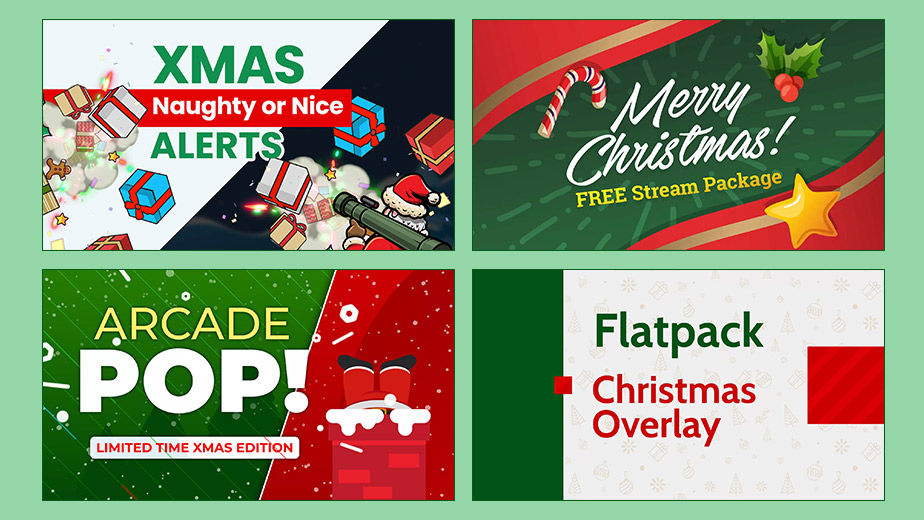
Free Christmas Overlays & Widgets (2025 Update) – New Snow Blaster and More
Our gift to you is to give you some of the best and free Christmas Overlays for…

0 Comments9 Minutes
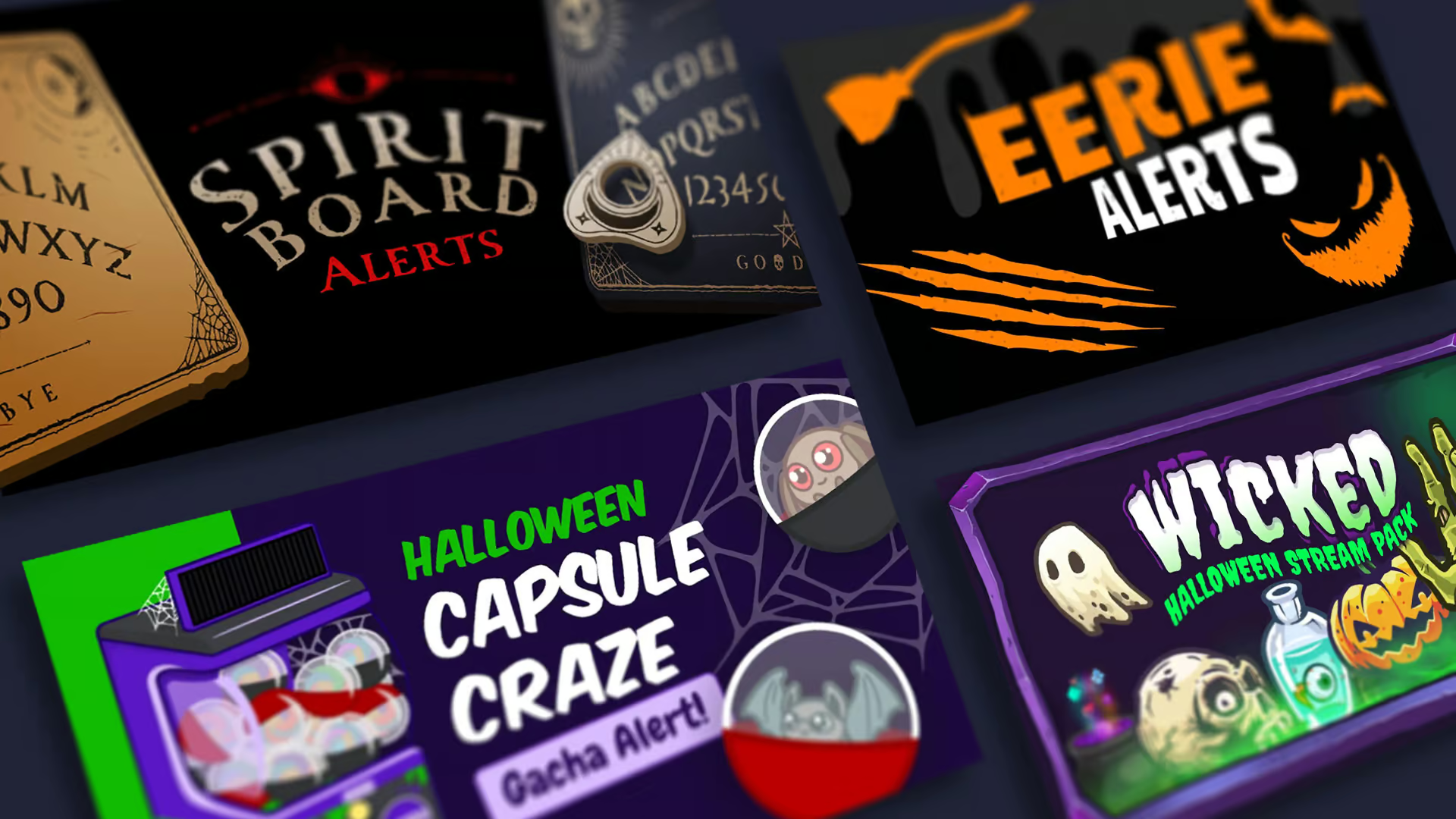
Haunt Your Stream with Free Halloween Overlays and Widgets (2025 Update)
The spooky times are upon us, and to celebrate Halloween, we’d like to release…

0 Comments8 Minutes
Kai Cenat’s Mafiathon 3: Chaos, Celebs, and the Quest for 1 Million Subs
If you’ve been anywhere near Twitch lately, you’ve probably seen the absolute…
0 Comments8 Minutes